
In the rapidly evolving landscape of decentralized GPU compute, the OptimAI Core Node stands out as a pivotal tool for individuals and enterprises aiming to participate in AI DePIN node setup. This robust software transforms standard hardware into a contributor to vast decentralized AI inference grids, leveraging GPU, CPU, RAM, and storage resources for tasks like AI inference, edge compute, data storage, and annotation. Unlike centralized cloud providers dominated by big tech, OptimAI's approach democratizes access to high-performance computing, fostering a resilient network where everyday devices fuel reinforcement learning data networks on an EVM Layer-2 blockchain.
Running an OptimAI Core Node means joining a ecosystem that powers the backbone of Web3 search and compute engines. Participants earn rewards by providing compute power, effectively turning idle resources into passive income streams while advancing open AI infrastructure. From my vantage point in decentralized finance and infrastructure, this model mitigates single points of failure inherent in traditional setups, offering scalability and security through distributed validation and bare-metal attestation.
Core Node Architecture: Powering the DePIN Backbone
The architecture of the OptimAI Core Node embodies the essence of compute DePINs, integrating off-chain worker capabilities with on-chain coordination. Each node operates as a decentralized mini-data center, handling diverse workloads from data annotation to full AI model inference. This full DePIN stack differentiates it from lighter OptimAI edge compute nodes, positioning core nodes as the heavy lifters in the network.
Consider the technical underpinnings: nodes interconnect via a marketplace layer, where tasks are matched to available resources based on performance metrics. Insights from similar networks like io. net highlight how such designs outperform centralized ML infrastructure by harnessing global idle GPUs, reducing costs by up to 90% in some benchmarks. OptimAI elevates this with reinforcement data focus, ensuring high-quality datasets for training advanced models. In practice, this means your setup contributes to real-world AI applications, from search optimization to predictive analytics, all while attesting to bare-metal operations to prevent virtualization pitfalls seen in platforms like Render or Akash.
Hardware Prerequisites: Building a Competitive Edge
Success with an OptimAI Core Node hinges on hardware that meets or exceeds network demands. While the desktop app accommodates consumer-grade setups, optimal performance demands dedicated GPUs with at least 8GB VRAM, multi-core CPUs, 16GB RAM, and SSD storage exceeding 500GB. Compatibility spans Windows 10 and later, macOS 12 and, and Ubuntu 20 and, but Ubuntu users often report superior stability due to native Linux optimizations.
I advocate for bare-metal GPUs here, echoing industry analyses on DePIN attestation failures with virtualized environments. NVIDIA RTX series or AMD equivalents shine, as they support CUDA or ROCm for accelerated inference. Power efficiency matters too; aim for setups under 500W TDP to balance rewards against electricity costs. A quick audit of your rig against these specs can forecast earnings potential, with high-end configurations qualifying for premium tasks.
Software Foundations: Docker and Environment Prep
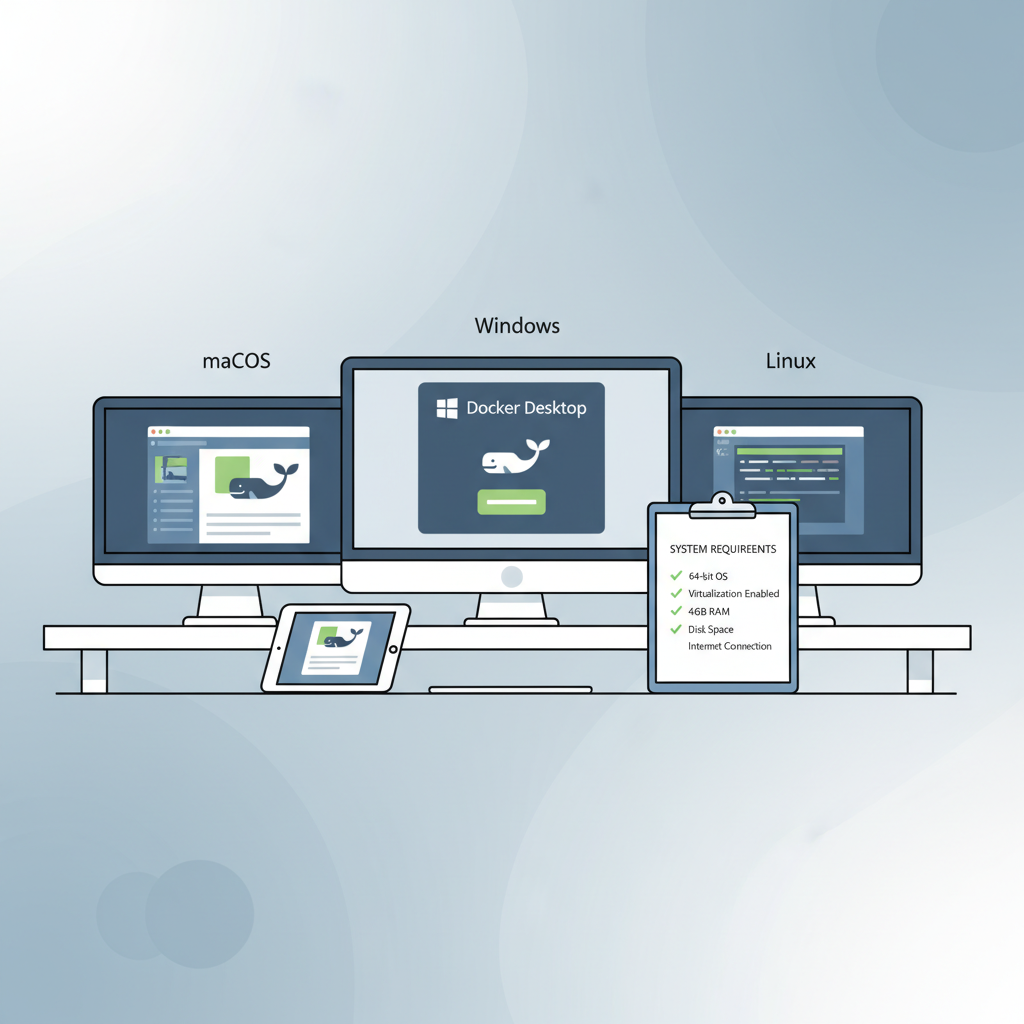
Before diving into installation, Docker Desktop must be installed and running, serving as the containerization layer for the node's services. This requirement ensures portability and isolation, critical for maintaining network integrity across heterogeneous hardware. On Windows and macOS, download from the official site and verify WSL2 or Hypervisor frameworks are enabled; Ubuntu users can apt-install docker. io with ease.
Prepare your system by updating packages, disabling firewalls temporarily for initial connectivity, and creating a dedicated user account for the node process. Security-conscious operators should configure Docker with minimal privileges and monitor resource allocation via tools like nvidia-smi. This phase sets the stage for seamless integration, minimizing downtime once the OptimAI installer launches. From experience managing distributed portfolios, thorough prep like this compounds reliability, much like diversifying assets hedges against volatility.
With foundations laid, the installation process unfolds with precision, mirroring the disciplined approach required in portfolio management. OptimAI provides intuitive desktop installers alongside CLI options, catering to both novice operators and seasoned sysadmins seeking granular control. This duality ensures broad accessibility while accommodating advanced configurations for decentralized GPU compute optimization.
Installation Pathways: Desktop App and CLI Mastery
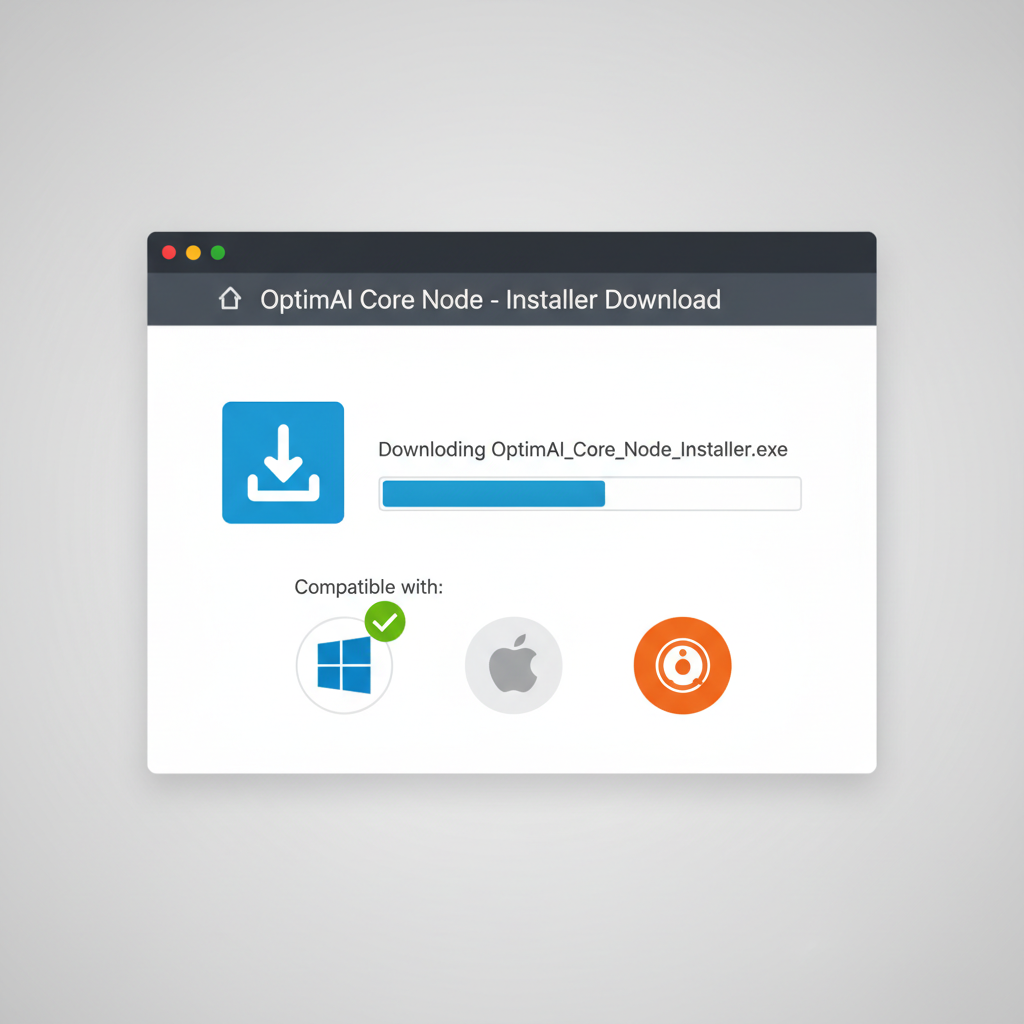
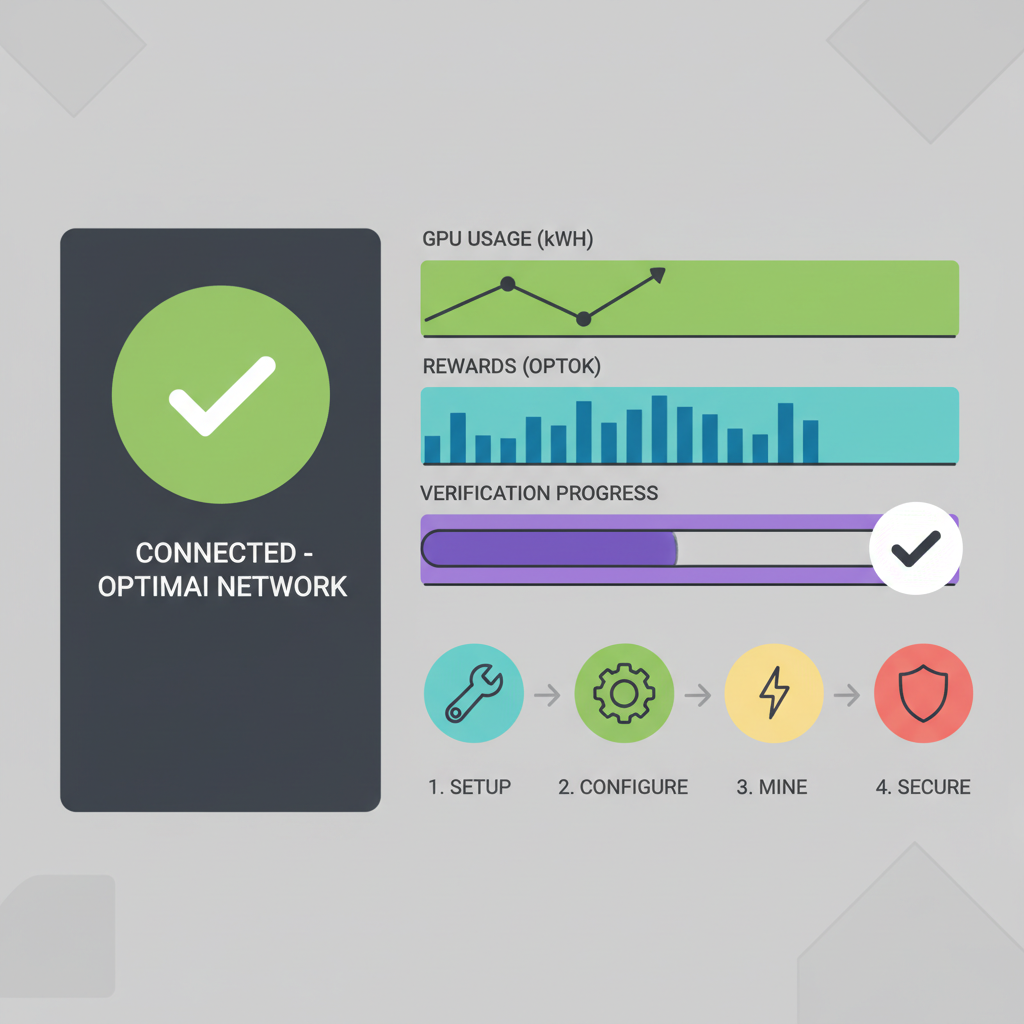
Begin with the desktop app for simplicity: download the platform-specific installer from OptimAI's distribution channels. Execution prompts user authentication via OptimAI credentials, initiating Docker container orchestration in the background. The app interface offers real-time dashboards for task allocation, resource utilization, and earnings accrual, transforming complex DePIN operations into accessible visuals.
Set Up OptimAI Core Node: Unlock Decentralized GPU Compute in Minutes
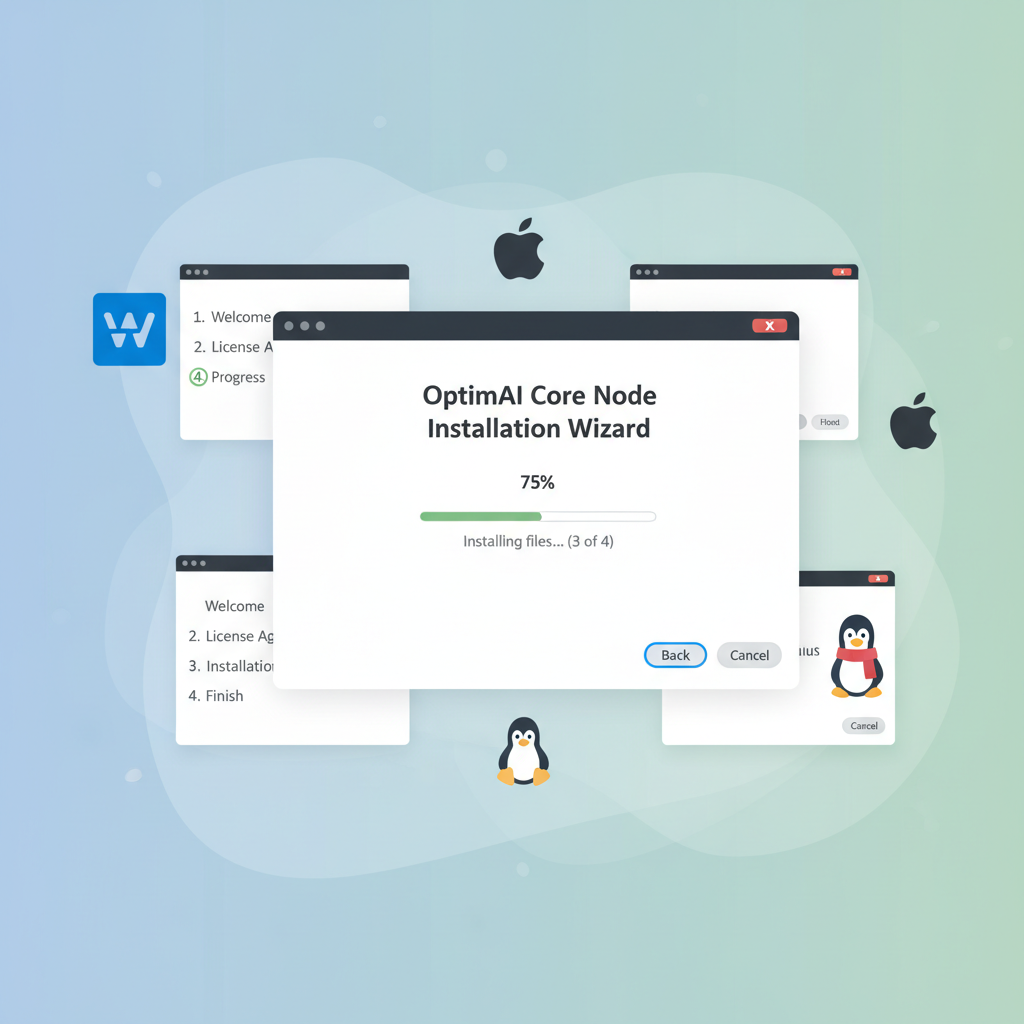
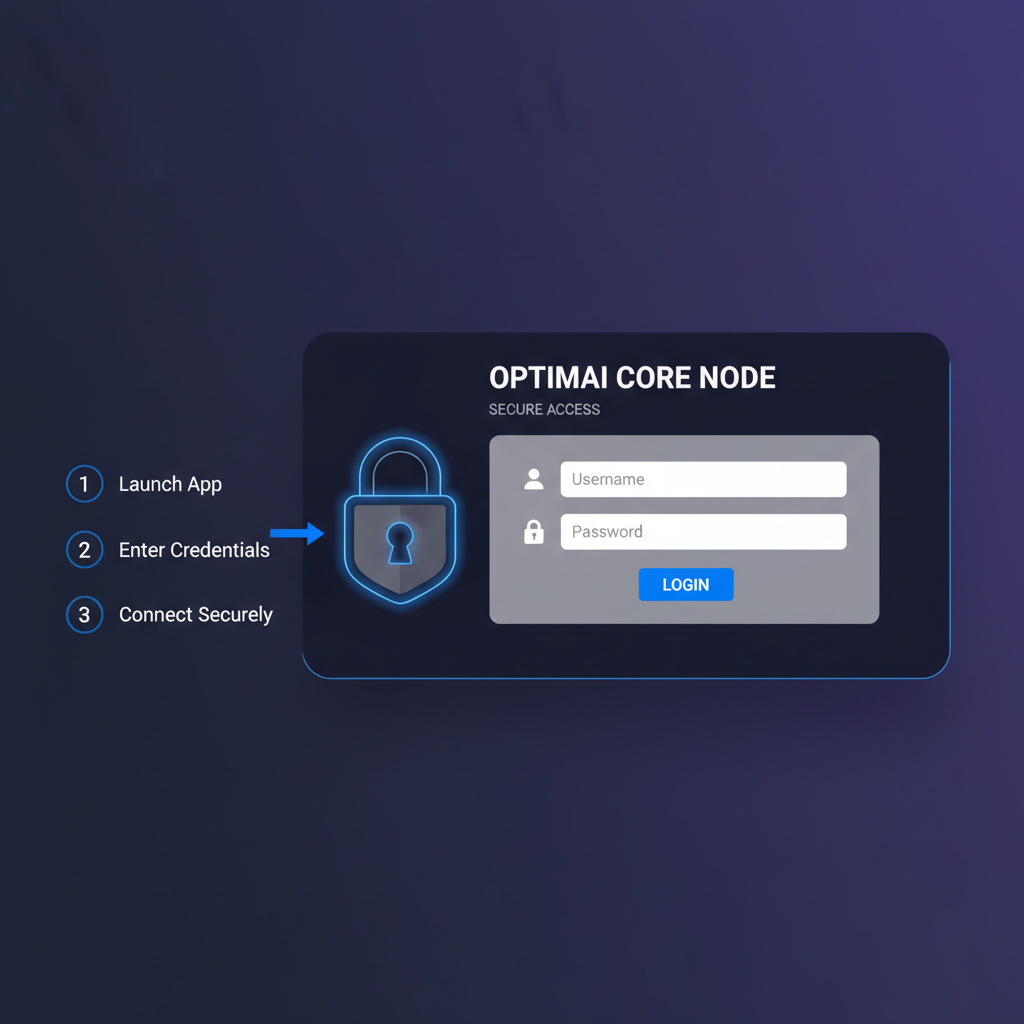
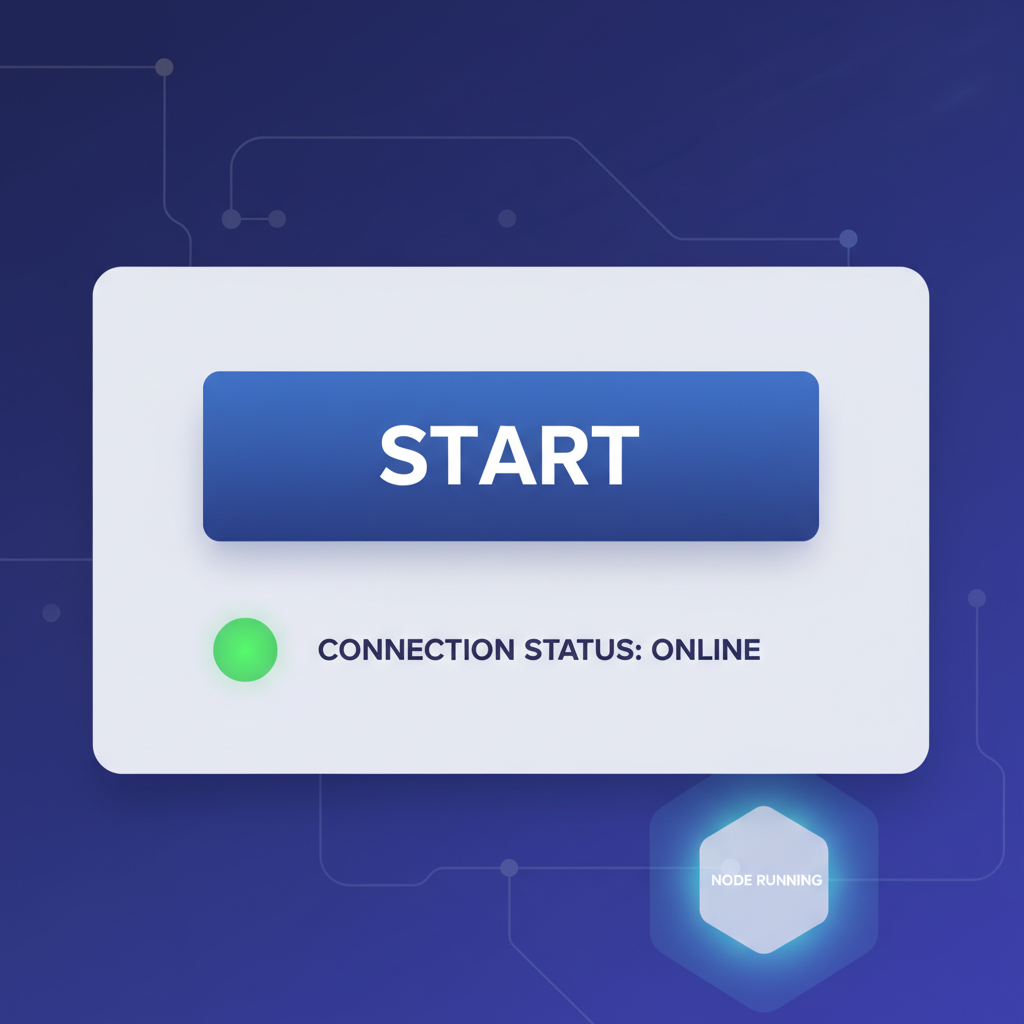
For CLI enthusiasts, the process sharpens focus on scripting and automation. Post-Docker setup, pull the OptimAI image and configure via environment variables, enabling headless operation ideal for server farms. This path suits high-volume operators scaling multiple nodes, where programmatic oversight maximizes uptime and reward capture.
Patience pays here; initial synchronization with the network may span minutes to hours, contingent on bandwidth and peer discovery. Monitor logs for handshake confirmations, ensuring your node attests bare-metal integrity to unlock premium AI DePIN node setup tasks. Once live, expect workloads spanning inference runs on lightweight models to data annotation pipelines, all remunerated in network tokens.
Node Operation and Monitoring: Sustaining Peak Performance
Post-installation, vigilance defines longevity. The desktop app furnishes built-in metrics: GPU utilization graphs, task throughput, and uptime streaks. CLI users leverage docker stats or integrate Prometheus for bespoke alerting. Key indicators include latency under 200ms for edge compute bids and VRAM occupancy below 85% to avoid throttling.
Optimization tactics draw from DePIN precedents: throttle non-essential processes, enforce thermal limits via fan curves, and rotate tasks during peak grid demand. In my analysis of similar networks, operators prioritizing stability over raw specs often out-earn hardware superior rivals by 20-30%, as consistent availability trumps sporadic bursts. Regularly update the node software to harness protocol upgrades, fortifying against evolving threats in decentralized AI inference grid dynamics.
Rewards accrue via proof-of-contribution mechanisms, blending uptime proofs with task completion attestations. High performers ascend leaderboards, accessing exclusive high-value contracts like reinforcement data curation for L2 blockchain oracles. This meritocratic structure incentivizes quality, aligning individual efforts with ecosystem vitality.
Advanced Strategies: Scaling and Troubleshooting
Ambition beckons scaling: cluster multiple Core Nodes across machines, federating via a local orchestrator for unified bidding power. Compare to OptimAI edge compute variants for hybrid deployments, reserving cores for intensive inference while edges handle annotation. Bare-metal validation remains paramount; virtualized pitfalls erode attestations, slashing eligibility as seen in io. net case studies.
Troubleshooting distills to diagnostics: Docker logs reveal container crashes, nvidia-smi pinpoints GPU faults, and network traces expose peer issues. Common snags-firewall blocks, outdated CUDA drivers, or credential mismatches-yield to systematic checks. Community forums amplify resolution speed, where shared war stories refine collective resilience.
Deploying an OptimAI Core Node transcends setup; it embeds you in a paradigm shift, where personal hardware underpins global AI sovereignty. Precision in configuration and patience through iterations unlock sustained yields, echoing timeless principles in decentralized infrastructure. As grids mature, early participants like you shape the trajectory, blending compute contribution with strategic foresight for enduring advantage.


No comments yet. Be the first to share your thoughts!