

Idle GPUs sitting in your rig represent untapped potential in the exploding DePIN landscape. Gensyn flips that script, letting you monetize spare compute power for AI training tasks while earning tokens in a network that’s already reshaping machine intelligence. With the Gensyn Public Testnet live since March 2025, early node operators are positioning for substantial gensyn ai node rewards 2025 as adoption surges.

This isn’t hype; it’s a calculated play on decentralized ai compute gpu demand. AI models demand massive parallel processing, and centralized clouds charge premiums. Gensyn’s Ethereum rollup testnet distributes that load, verifying computations on-chain for trustless payouts. Node runners contribute to real ML workloads, from model training to inference, all powered by your hardware.
I’ve tracked DePIN trends for years, and Gensyn’s persistent identity layer sets it apart. Unlike fleeting testnets, it builds lasting infrastructure for human-AI collaboration. Expect network effects to amplify idle gpu rewards depin as enterprises tap in.

Hardware Blueprint for Gensyn Node Success
Skimp on specs, and your node idles while others rack up participations. Gensyn demands solid foundations: arm64 or amd64 CPU, 16GB RAM minimum (push for 20GB and ), and NVIDIA GPUs like RTX 3090,4090, A100, or H100. Python 3.10 and, ample SSD storage, and 100Mbps and internet seal the deal. 1Gbps uplinks shine for uninterrupted tasks.
Cloud VPS? Viable for testing, but owned hardware maximizes margins. CPU-only mode slashes costs below $250/month, per community guides, though GPU acceleration unlocks premium jobs. Cross-reference providers via official docs for vetted options.
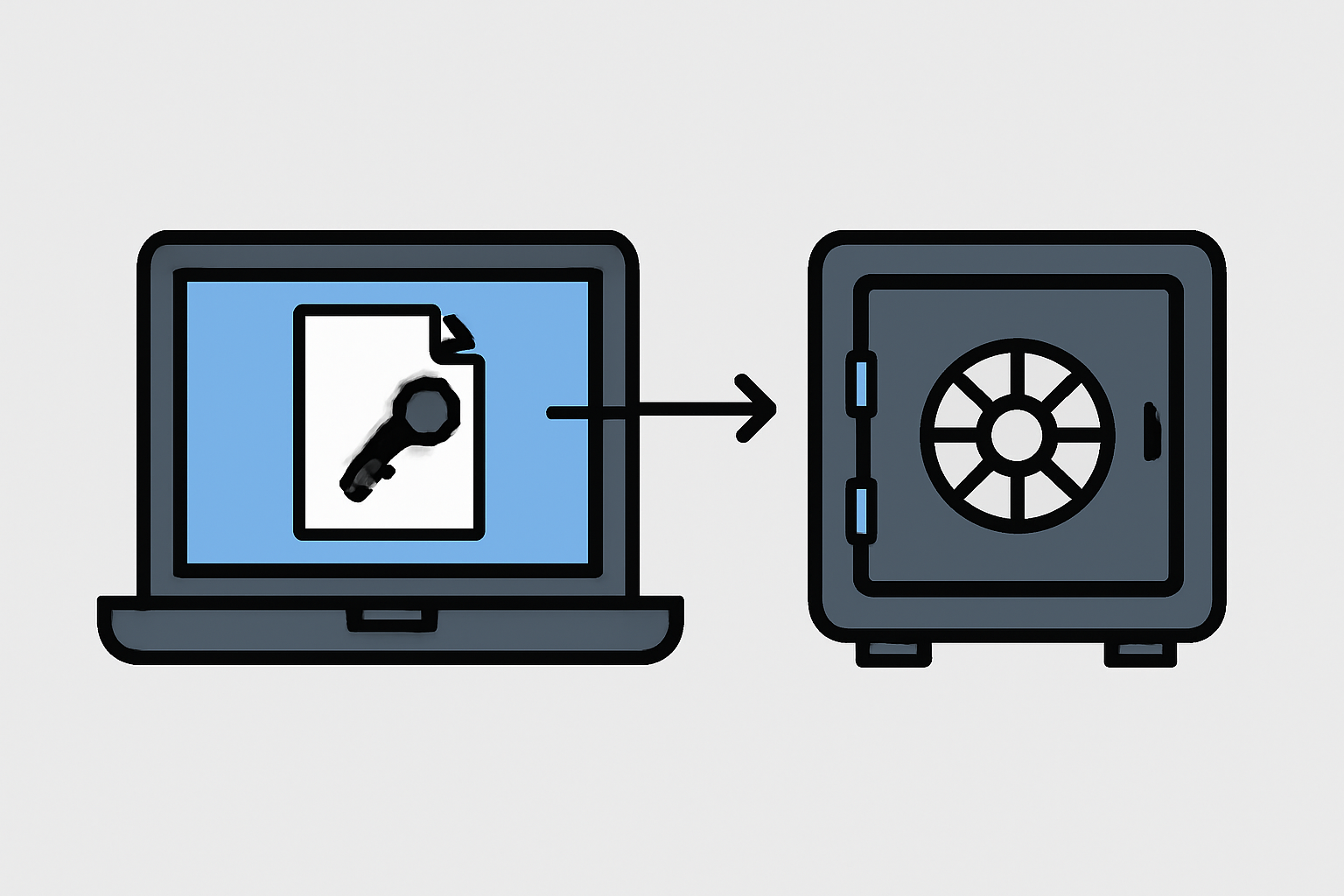
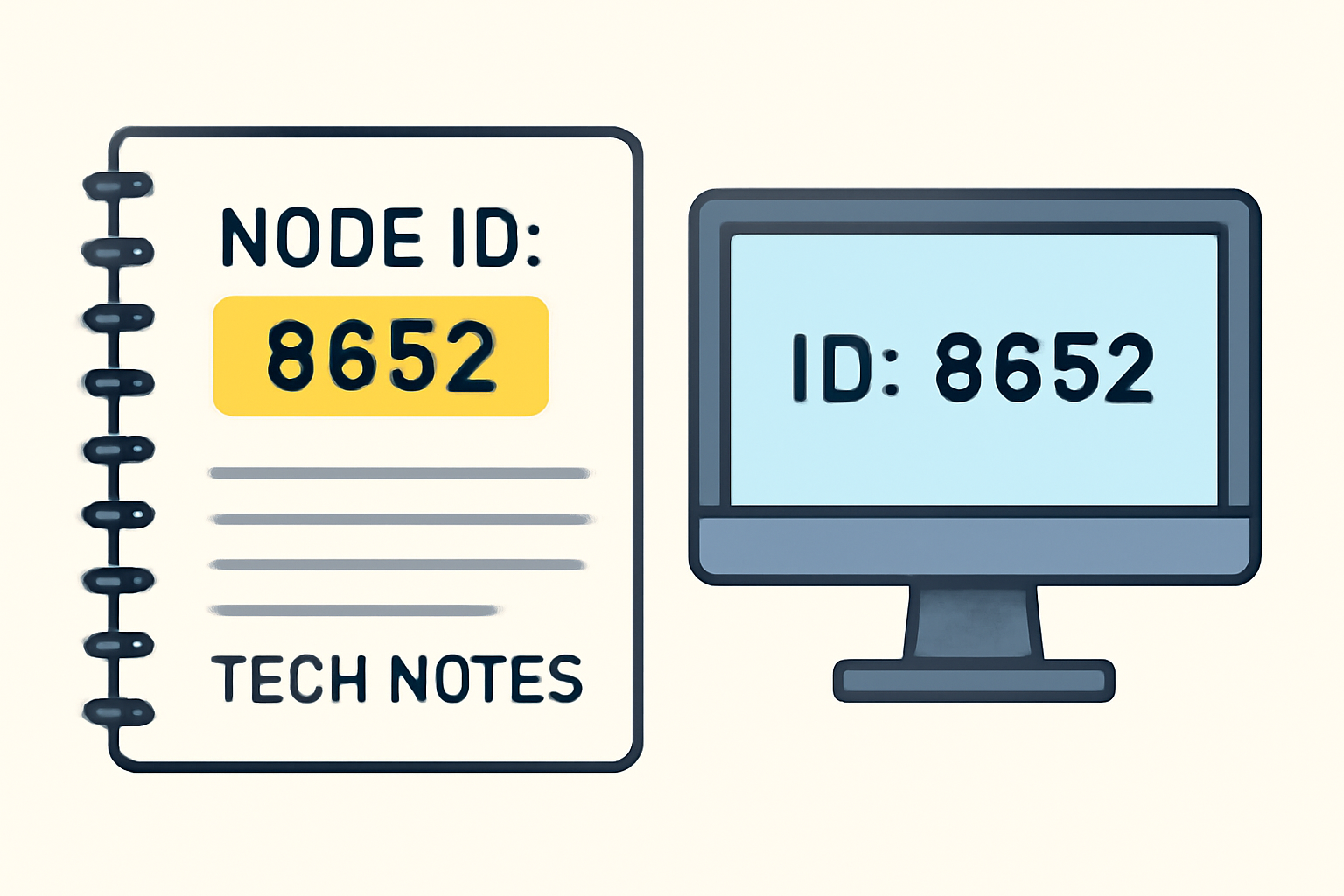
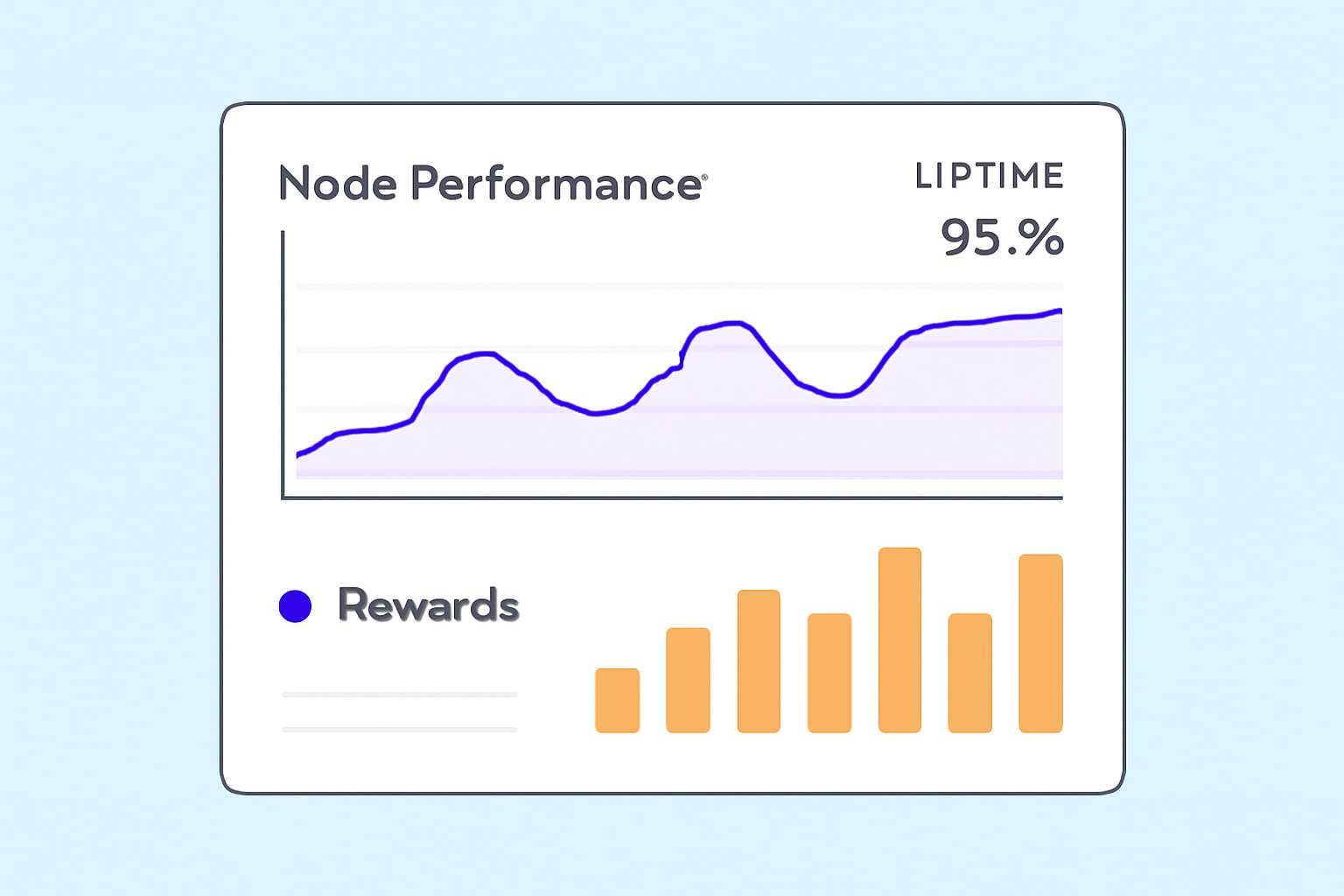
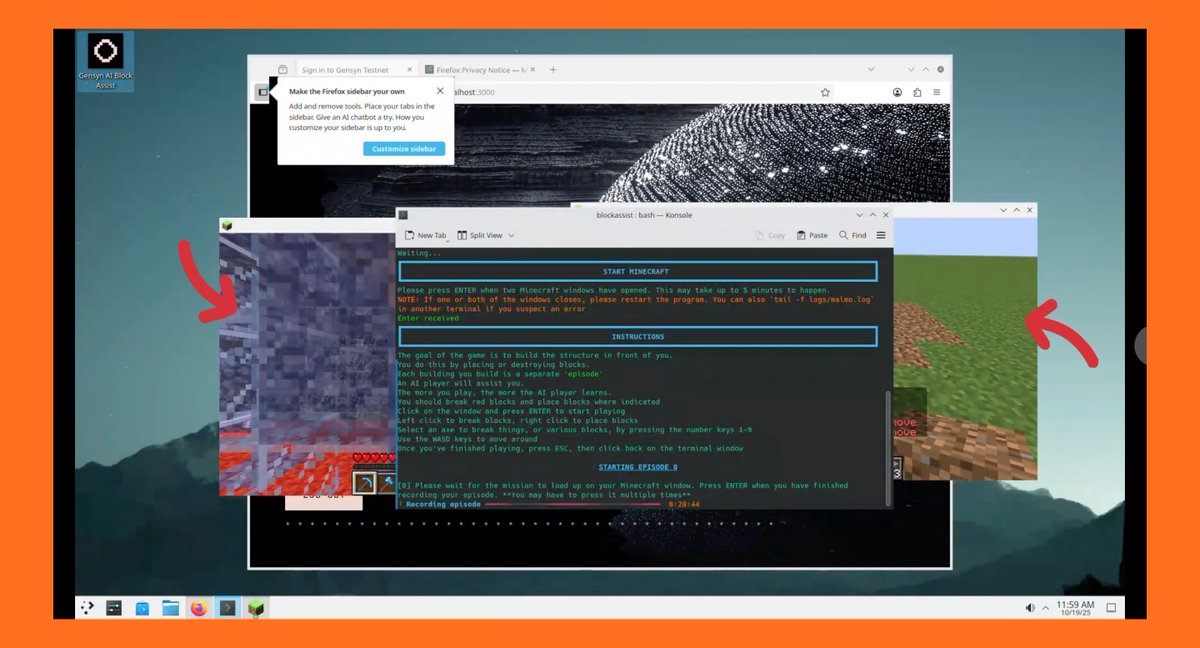
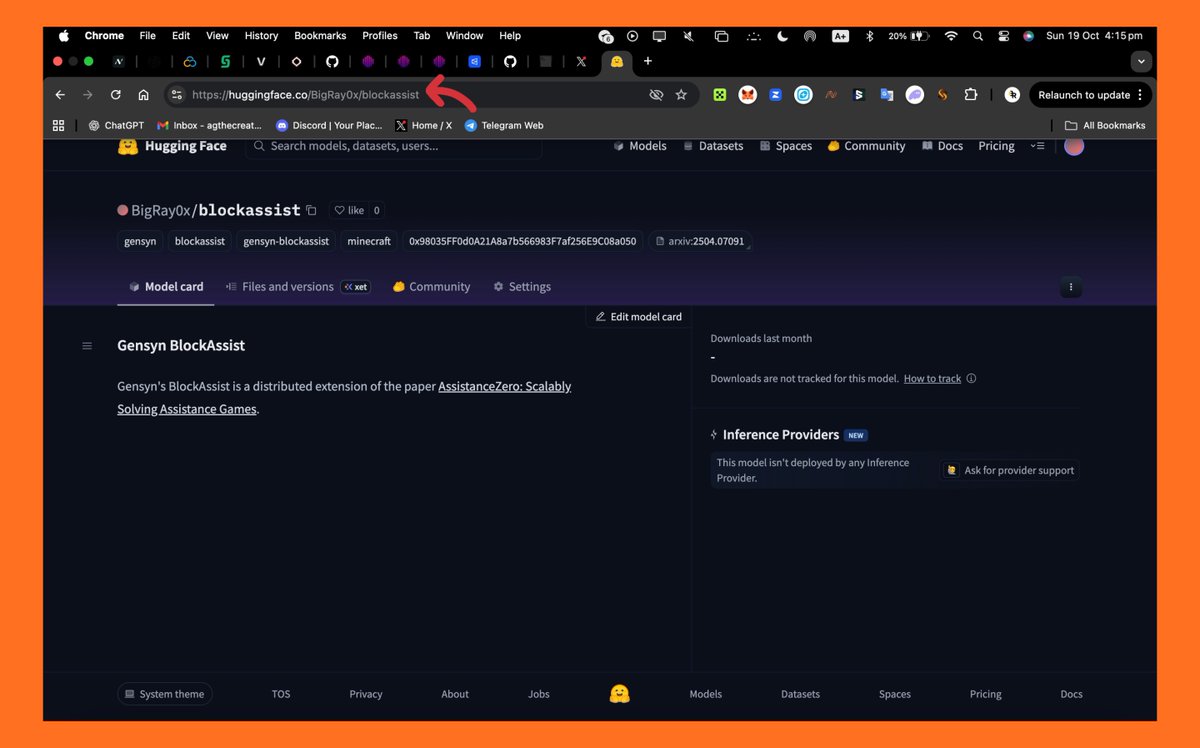
Setup boils down to one script, democratizing gensyn node setup. Fire up a terminal on Ubuntu-compatible systems. Grab the installer: Grant permissions, install screen for detachment, spawn a session, and execute. On-screen prompts handle Hugging Face login; NGROK bridges any tunnel snags. Minutes later, your node ID and name pop up – jot them down religiously. Pro tip: Backup Layer in the Hyperbolic Dashboard for full control. Register, hit settings, generate a public SSH key, and paste it. Select your GPU tier – match it to hardware for optimal matching. This step syncs your node with swarm orchestration, queuing ML jobs based on availability. Gensyn’s testnet emphasizes local model training, so expect diverse workloads. CPU fallback ensures baseline earnings, but NVIDIA firepower commands top depin gpu sharing ai tiers. Monitor via Telegram bot: forward your node ID for instant status and accrual snapshots. Forecast rewards at GSwarm’s estimator; input uptime and specs for daily projections. High-availability nodes crush it, blending reliability with raw power. Check this DePIN guide for broader node strategies. Operators who nail uptime and task completion rates pull ahead in the gensyn ai node rewards 2025 race. Downtime kills momentum; aim for 95% and availability to hit peak participations. Fine-tune your setup beyond basics. Tweak GPU utilization via Hyperbolic settings – allocate cores precisely to avoid thermal throttling. I’ve run nodes across configs, and undervolting RTX series GPUs extends sessions without sacrificing hash rates. Test CPU-only for low-stakes entry, then scale to full GPU swarm as tasks queue up. Network bottlenecks crush earnings. Prioritize 1Gbps symmetric connections; jitter under 10ms keeps verifications smooth. Use tools like iperf3 to benchmark before launch. On VPS, cherry-pick providers with NVLink support for multi-GPU beasts. Gensyn payouts hinge on verified computations, not just uptime. Each ML job – think fine-tuning LLMs or diffusion models – scores based on accuracy and speed. Top performers snag premium allocations, with testnet points converting to tokens post-TGE. Community estimators peg RTX 4090 rigs at 10-20x CPU yields, but factor electricity at $0.10/kWh for net math. Real-world alpha: Early testnet runners report 50-200 points daily on H100s, scaling linearly with swarm size. Stake your node ID in the dashboard for bonus multipliers. Track accrual via/check commands; laggy responses signal sync issues – restart swarm services pronto. After signing up to octaspace you’ll need to fund your account with USDT or $OCTA (MEXC) After funding your account, you can search for gensyn node, and pick the public testnet node option. Arrow 1: fund your account. Here you’ll scroll upwards and paste your hugginface token you got from ealier. Then click on deploy to start running the node, make sure you fund your account first. Arrow 1: paste HF token Image (2/4) After deploying you’ll be taken to https://t.co/PW0p00bsuX Next step is to join the discord https://t.co/1rQYFFvhoK and get the basic roles. Image (2/4) Then head to the swarm channel – under the core Image (3/4) then return to the octa page and click on the web ssh below. Image (4/4) It’ll open this page https://t.co/xgaF6FUIAj – Click on start chat and select /newbot – Create a new bot by typing a preferred name and username. – Get a bot token: – When the bot is created you’ll be given a bot token. – Copy it and save, – Next click on the https://t.co/KyrnAzH8wC paste this without editing: cd $HOME && \ Basically verifying telegram gets you > the swarm role and access to the other node channels > so close the tab in the last part and proceed below to the BLOCK role. Image https://t.co/RE6Rare1Qv And head to /the-swarm channel and type /verify-block Paste the URL below and you’ll get the block role. Unable to add other portions of the thread containing how to get non node roles, will quote with the rest in coming days. Ask questions below if you https://t.co/IDxmYuXQf3 NGROK tunnels flake under load? Switch to Cloudflare Zero Trust for persistent SSH. Hugging Face auth fails? Clear tokens and relogin via incognito. PEM corruption? Restore from backup; no excuses. GPU detection errors scream driver mismatches – stick to CUDA 12. x canonically. Overheating? Implement fan curves and ambient monitoring scripts. I’ve scripted alerts to Slack for temp spikes over 80C, saving rigs from meltdowns. Dive into Discord’s #node-support for peer fixes; the community’s gold for edge cases. Security first: Expose only necessary ports, firewall SSH to key auth. Gensyn’s rollup verifies zero-knowledge proofs, but your endpoint’s vulnerability invites exploits. Run fail2ban and update weekly. Scale smart. Multi-node swarms via Ansible amplify output, but sync PEMs across instances. For depin gpu sharing ai, Gensyn’s edge lies in verifiable ML, outpacing rivals on proof latency. Positioning now means outsized gains as mainnet beckons. Idle GPUs fuel the AI gold rush; run your Gensyn node, stack points, and ride the decentralized compute wave. Zero-Friction Gensyn Node Deployment
/root/rl-swarm/swarm. pem immediately. This PEM file is your node’s digital passport; lose it, and you’re rebuilding from scratch. I’ve seen operators forfeit weeks of uptime over this oversight. Hyperbolic Dashboard Integration and GPU Selection
Post-Launch Optimization: Maximize Gensyn Node Rewards
Reward Mechanics and Earnings Breakdown
Gensyn Node Reward Tiers
Hardware
Est. Daily Tasks
Approx. Rewards (based on uptime)
CPU-only
5-10
Low 💰
RTX 3090
20-40
Medium 💰💰
A100
50+
High 💰💰💰

Arrow 2: search for gensyn.
Arrow 3: pick the https://t.co/bM0EQJxggU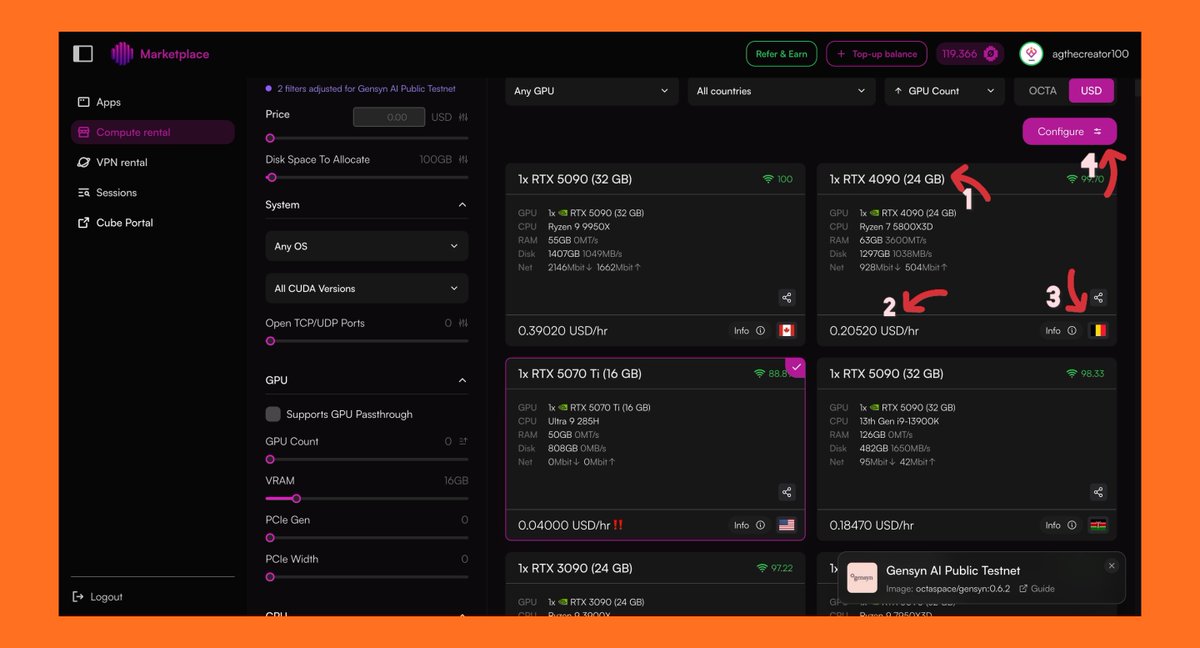
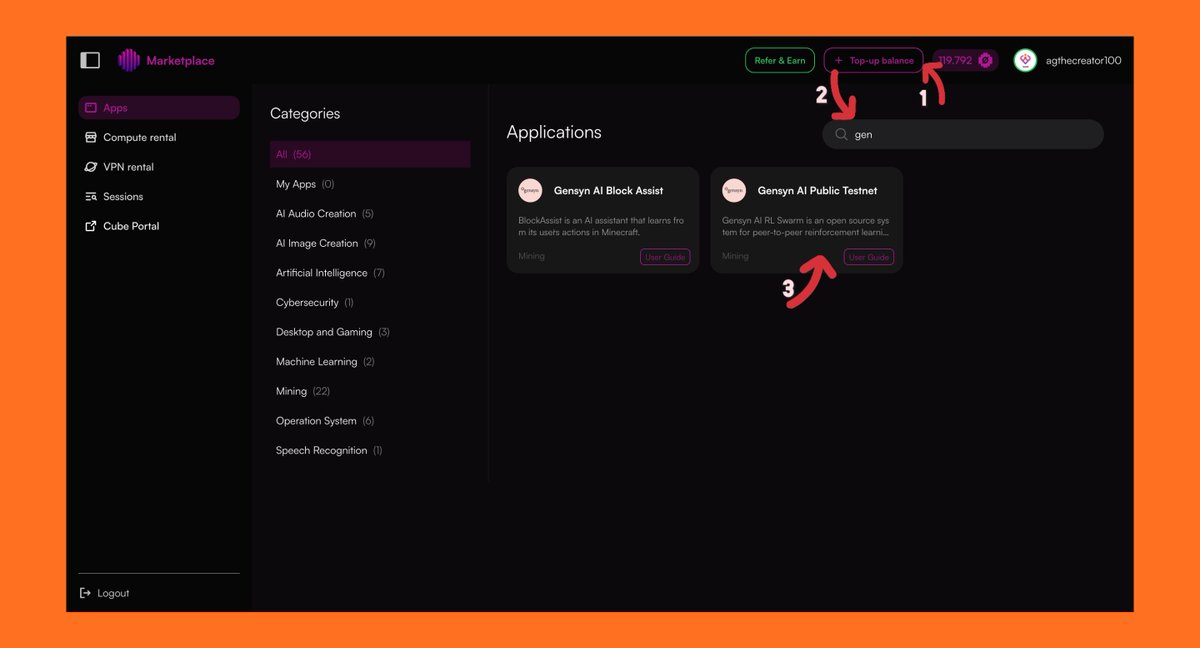
Arrow 2: deploy the node


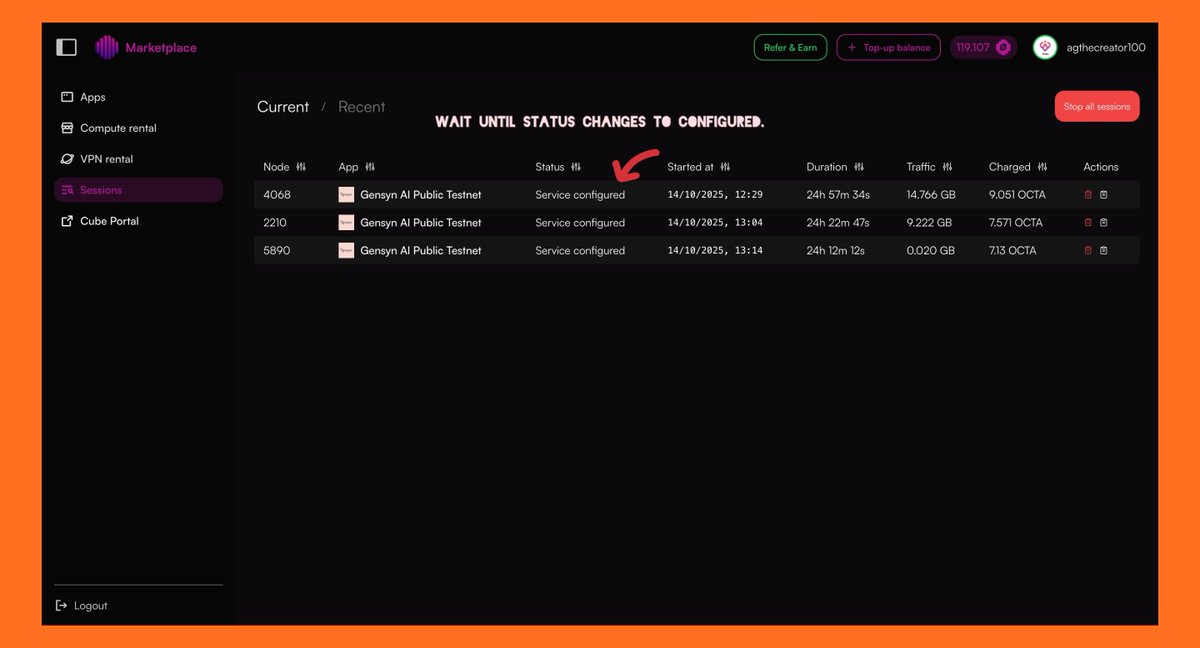
wait here.


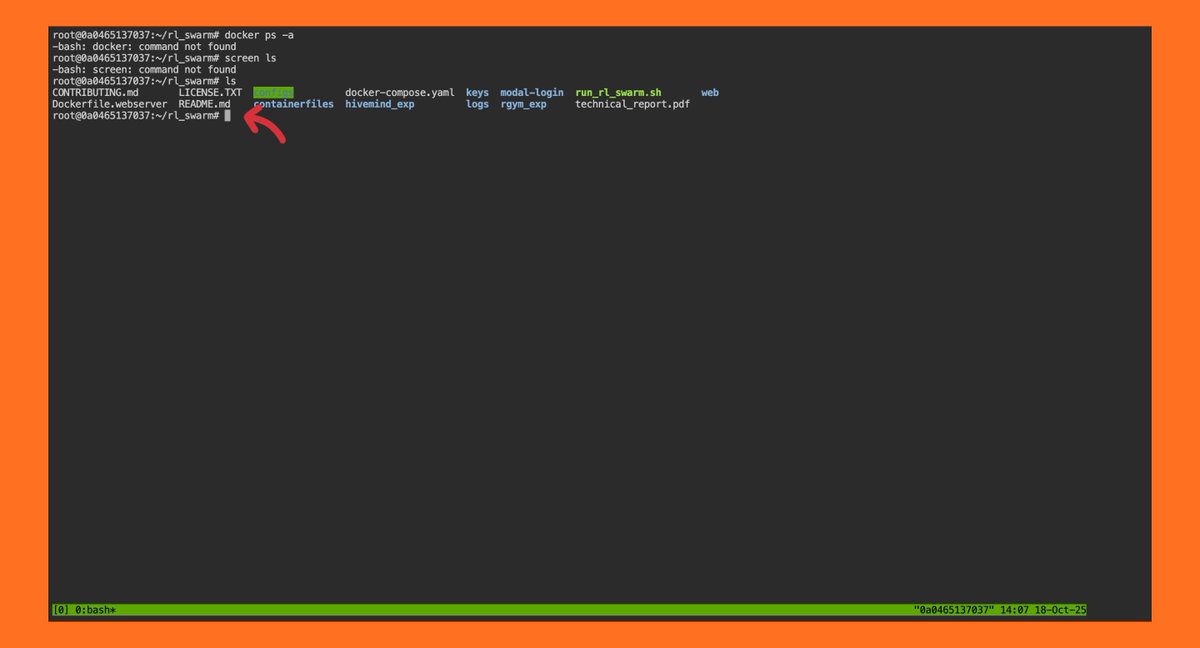

sudo apt update && sudo apt upgrade -y && \
sudo apt install screen curl iptables build-essential git wget lz4 jq make gcc nano automake autoconf tmux htop nvme-cli libgbm1 pkg-config https://t.co/ekEnM430h7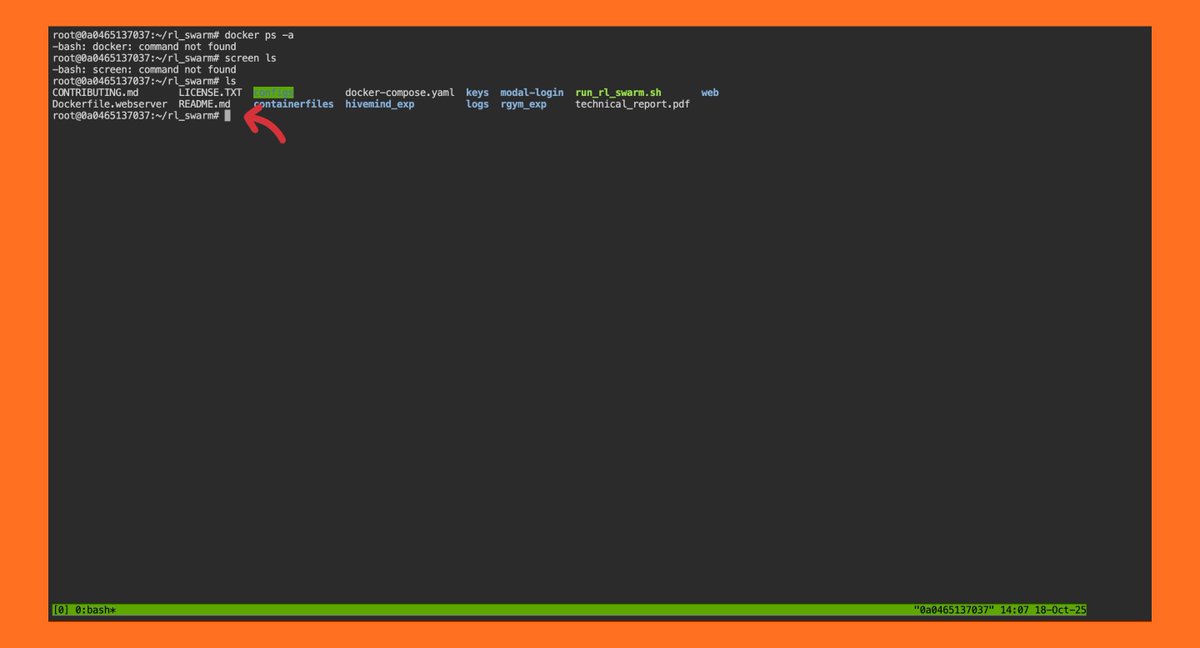
Follow the steps here very carefully as a single misstep can spoil the whole process.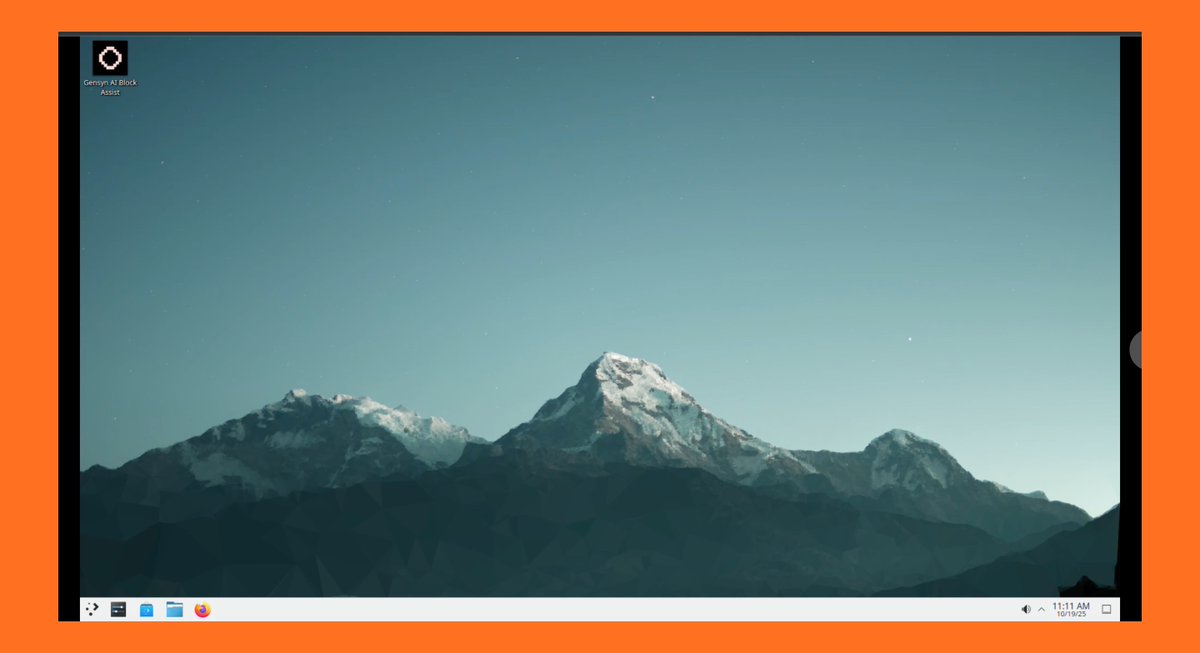


Troubleshooting: Bulletproof Your Node
About the Author