
In the evolving landscape of decentralized AI compute networks, PerceptronNTWK nodes stand out by democratizing access to rewards through something most users already possess in abundance: unused internet bandwidth. Forget the energy-hungry GPUs and complex mining rigs; this DePIN project transforms idle connections into productive assets, fueling AI model training with structured public data. With over 700,000 active devices in its global mesh, PerceptronNTWK exemplifies how bandwidth sharing AI rewards can scale decentralized infrastructure without compromising performance or privacy.

Screenshot of PerceptronNTWK node dashboard showing bandwidth usage, earned rewards, and network stats in decentralized AI compute network

At its core, the network leverages lightweight nodes that run seamlessly in the background. These decentralized AI compute nodes capture publicly available signals, verifying them into Proof-based Engagement Reward Certificates, or PERCs. These NFTs represent tangible contributions, redeemable for value within the ecosystem. The beauty lies in its simplicity; no heavy compute demands mean anyone with a stable connection can participate, turning everyday devices into edge contributors.

Unlocking Value from Idle Bandwidth in Perceptron Network Edge Nodes

Traditional AI training guzzles centralized data centers, but PerceptronNTWK flips the script with Perceptron network edge nodes. By routing tiny fractions of spare bandwidth, nodes aggregate real-world data points essential for models craving human-like signals. This isn't just passive income; it's a stake in AI's decentralized future. I've analyzed similar DePIN projects, and PerceptronNTWK's integration with BlockMesh accelerates its reach, creating a robust mesh where contributions compound network utility.

Perceptron Nodes are built around a simple idea: turn unused internet capacity into something productive. They run as lightweight extensions.

Privacy remains paramount. Nodes strictly avoid personal data, focusing on public web signals. This DePIN AI signal verification process ensures contributions are authentic and valuable, distinguishing it from bandwidth scrapers that clutter the space. Users report negligible impact on speed or battery, making it ideal for laptops, desktops, or even mobile apps on Google Play.

Why PerceptronNTWK Outpaces Competitors in Bandwidth Rewards

Compare it to extensions like Grass or Nodepay: PerceptronNTWK emphasizes verified AI utility over raw scraping. While others chase volume, this network prioritizes quality signals for training, potentially yielding higher long-term rewards. My pattern analysis shows projects with NFT-based incentives like PERCs retain users better, as they offer portfolio diversification in crypto-AI intersections.

Running multiple instances? Advanced users deploy on VPS with Ubuntu setups, but for most, the browser extension suffices. Earnings scale with uptime and bandwidth quality, not quantity. In a market flooded with hype, PerceptronNTWK's 700,000 and user base signals genuine traction, positioning it as a low-barrier entry to DePIN rewards.

Set Up PerceptronNTWK Node: Earn Rewards Effortlessly with Unused Bandwidth
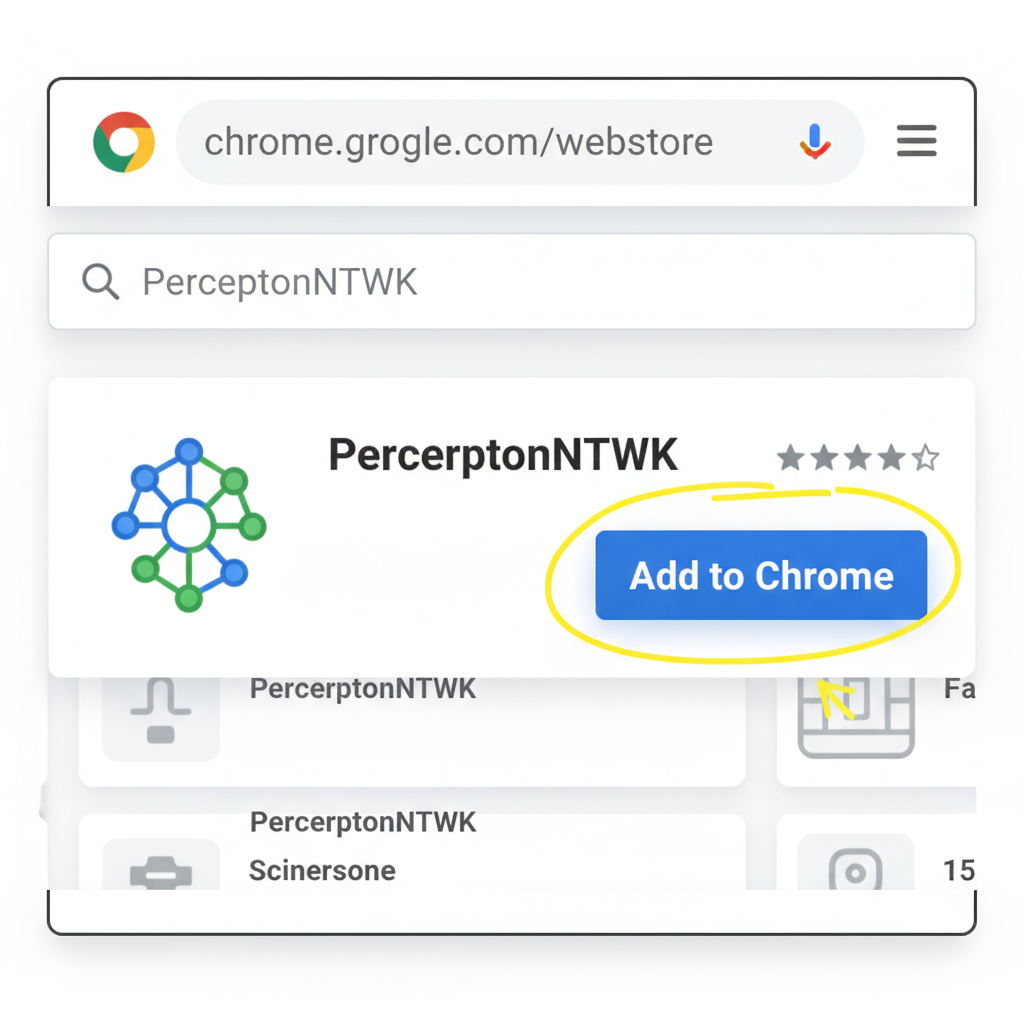
clean screenshot of Chrome Web Store search for PerceptronNTWK extension with Add to Chrome button highlighted
Step 1: Locate and Install the PerceptronNTWK Extension
Open Google Chrome and navigate to the Chrome Web Store. Search for 'PerceptronNTWK'. Select the official extension, which transforms your browser into a lightweight node for decentralized AI data collection using idle bandwidth. Click 'Add to Chrome' and confirm installation. No powerful hardware is required.
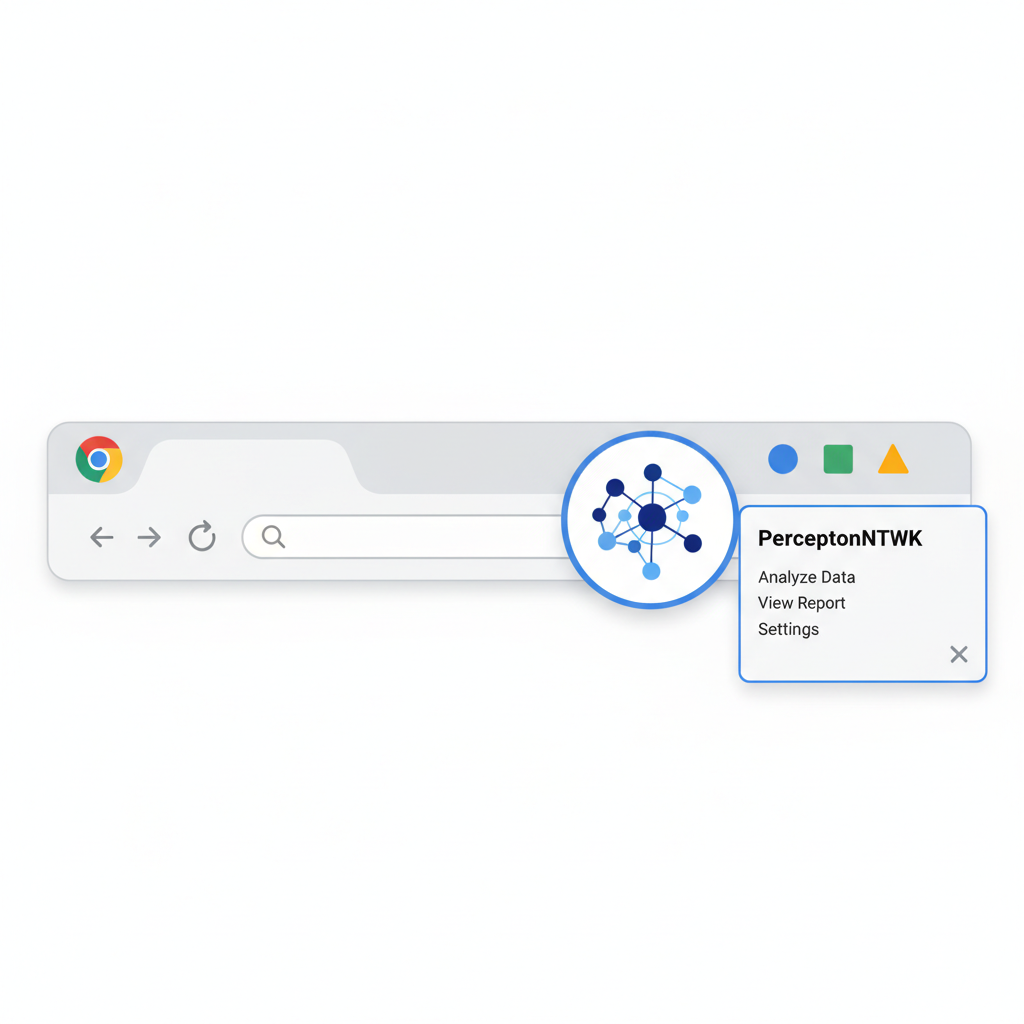
Chrome browser toolbar with PerceptronNTWK extension icon pinned and popup opening
Step 2: Pin and Open the Extension
After installation, find the PerceptronNTWK icon in your Chrome extensions menu (puzzle piece icon). Pin it to the toolbar for easy access. Click the icon to open the extension dashboard.
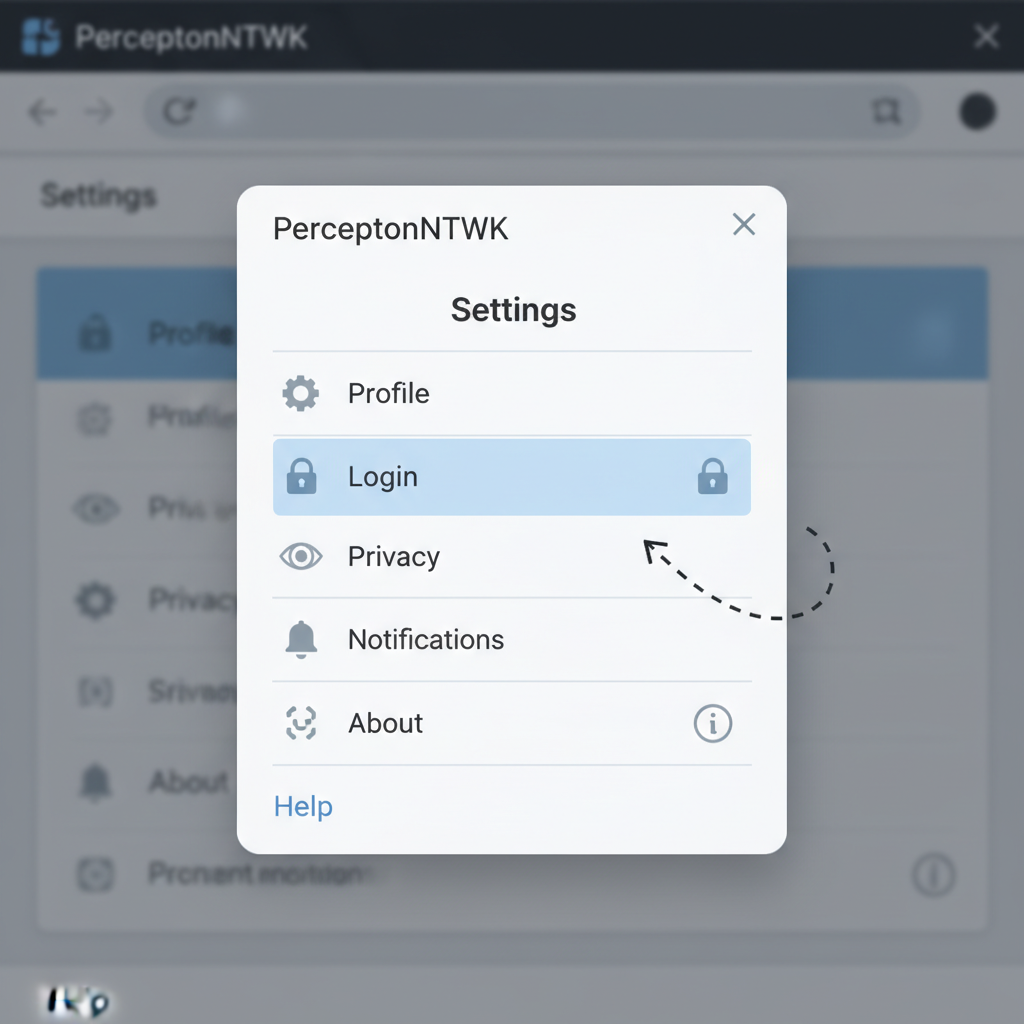
PerceptronNTWK extension interface showing Settings menu with Login option
Step 3: Sign Up or Log In
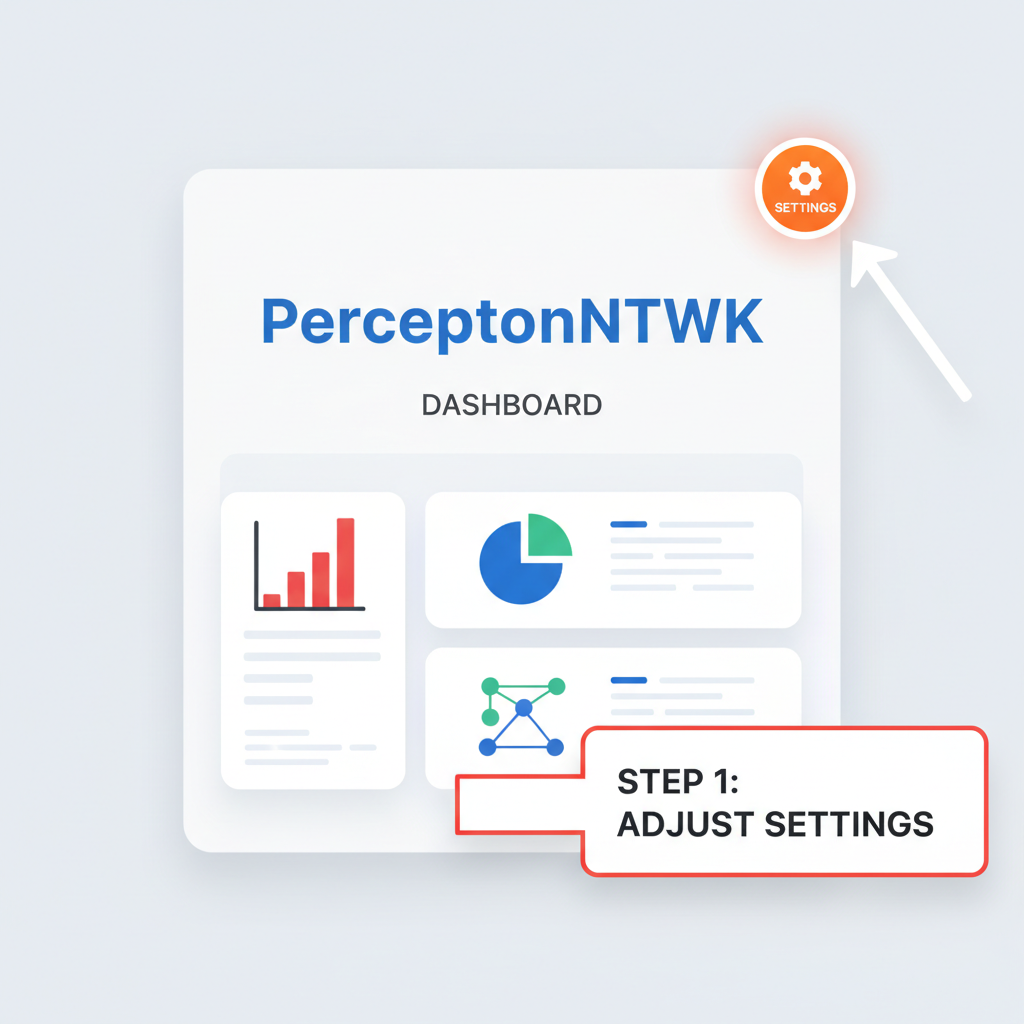
In the extension interface, proceed through the initial screens until you see 'Settings' at the bottom left. Tap Settings > Login. Create a new account by signing up with your email or preferred method, or log in if you already have an account. This links your node to the network.
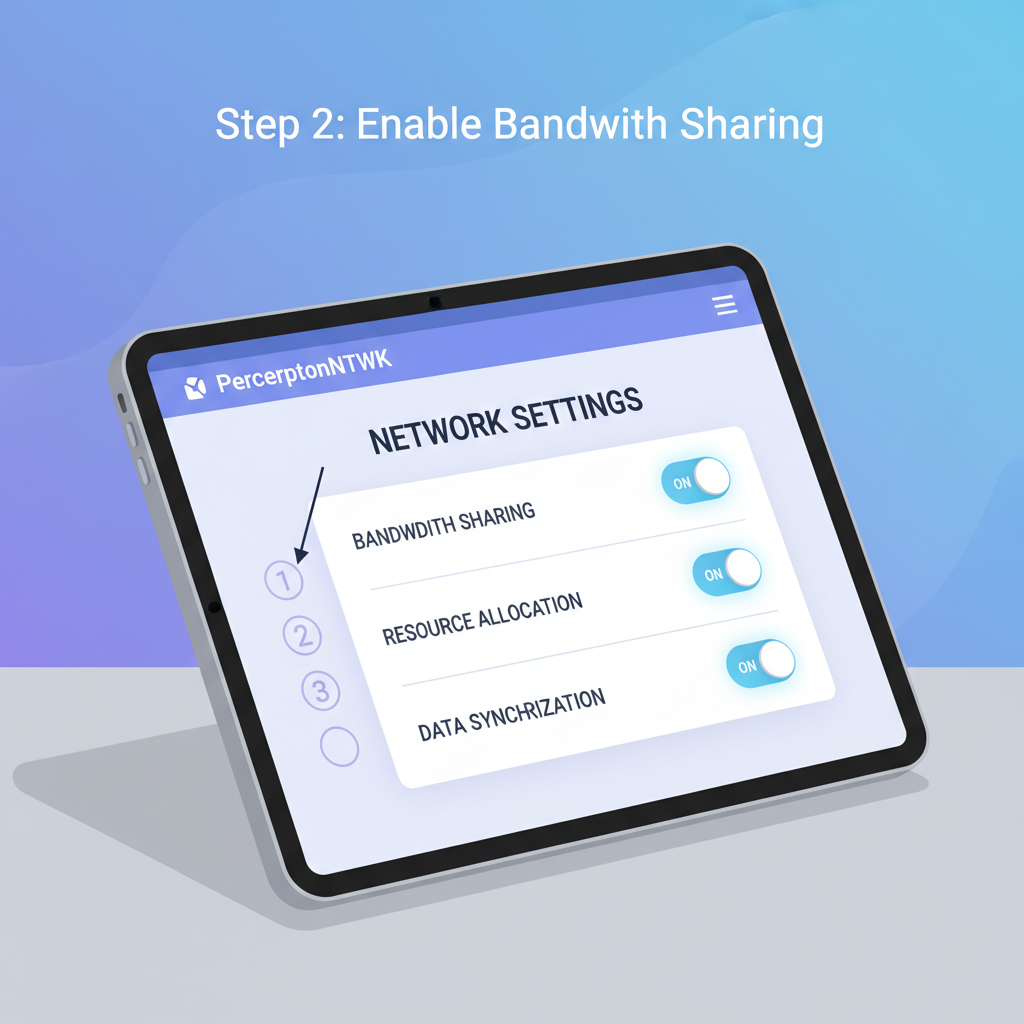
PerceptronNTWK settings screen with bandwidth sharing toggles enabled
Step 4: Configure Node Settings
Once logged in, review the settings to ensure the node uses only unused bandwidth. Enable data collection for public web data structuring, which contributes to AI model training. Confirm privacy features: no personal data is collected, and performance impact is minimal.
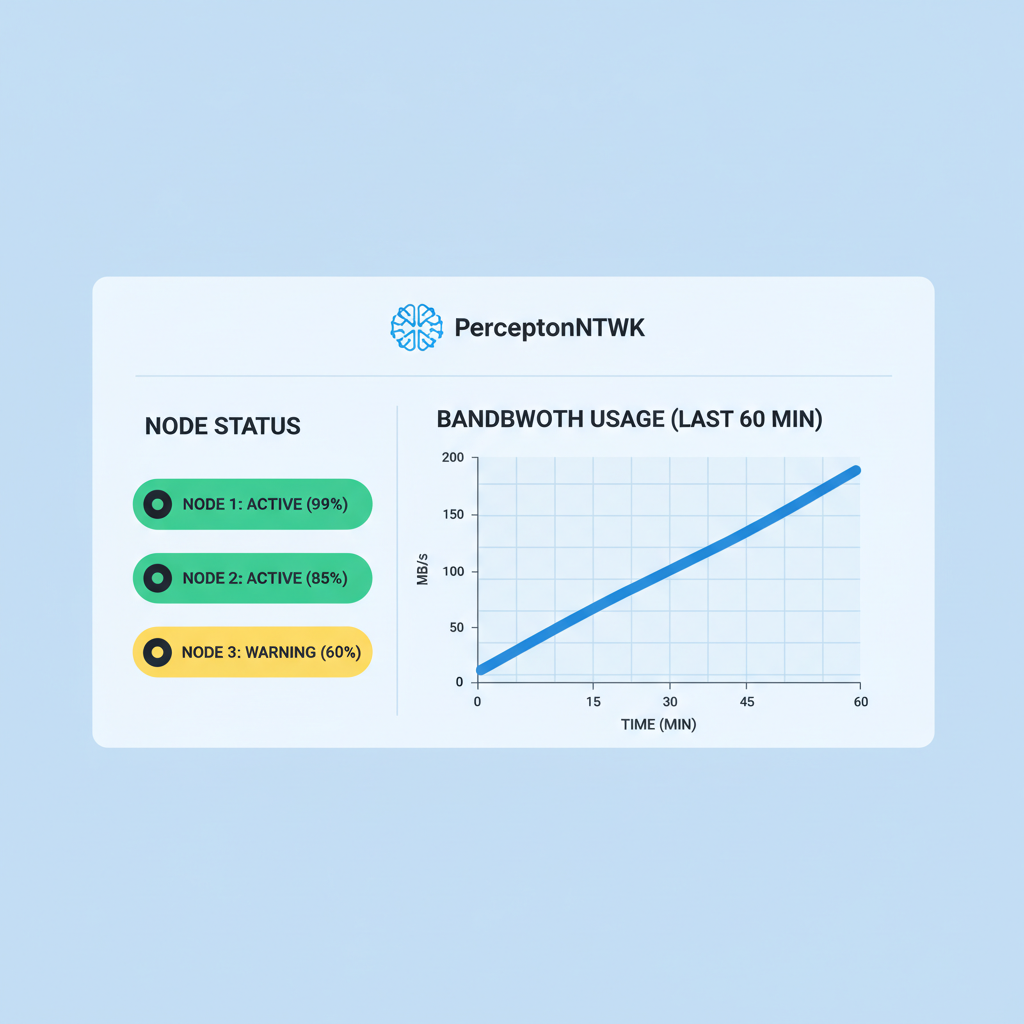
PerceptronNTWK dashboard showing active node status and bandwidth usage graph
Step 5: Activate and Run the Node
Activate the node to start running in the background. Keep Chrome open or running minimally; the extension operates as a light node across the global AI mesh of over 700,000 devices. It shares idle bandwidth without interrupting your browsing.
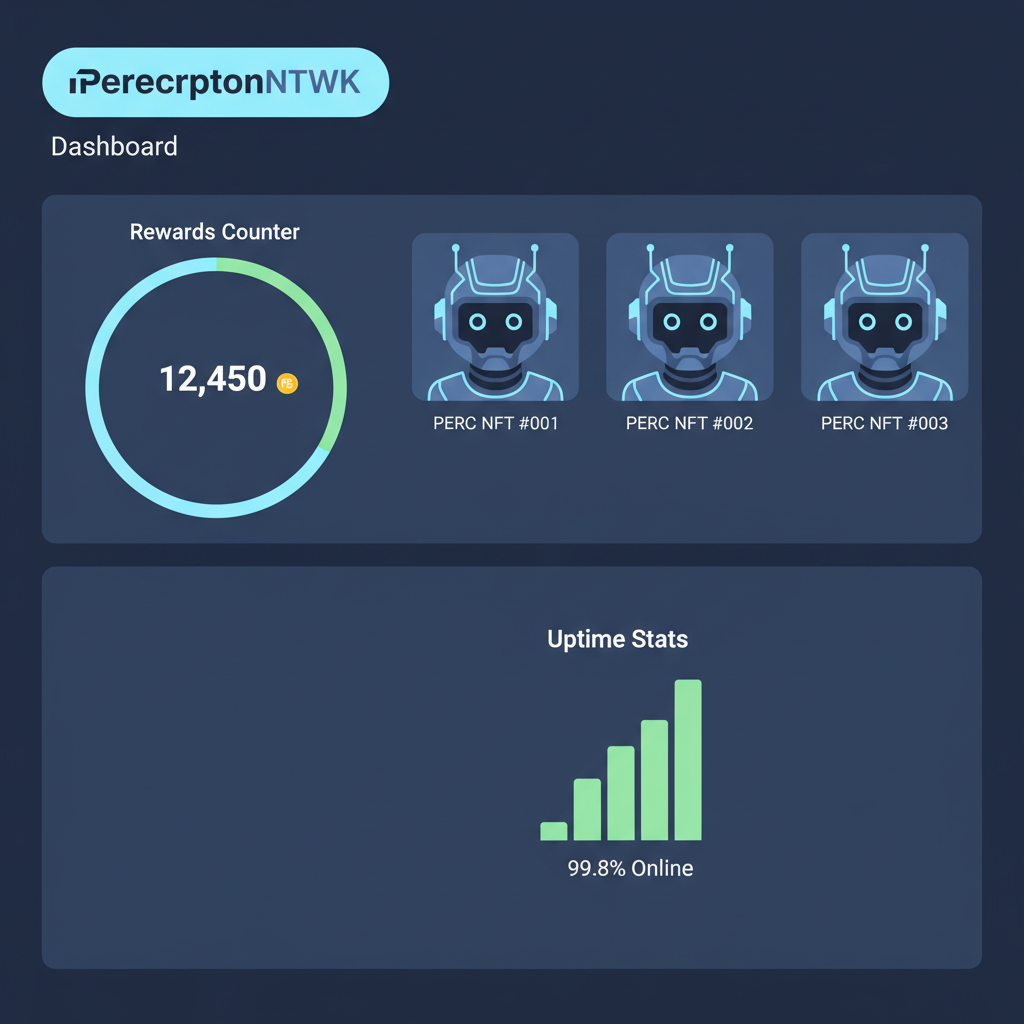
PerceptronNTWK dashboard with rewards counter, PERC NFTs, and uptime stats
Step 6: Monitor Contributions and Rewards
Access your dashboard to track uptime, bandwidth contributed, and Proof-based Engagement Reward Certificates (PERCs) earned as NFTs. Rewards accumulate passively as your node verifies contributions to the network.
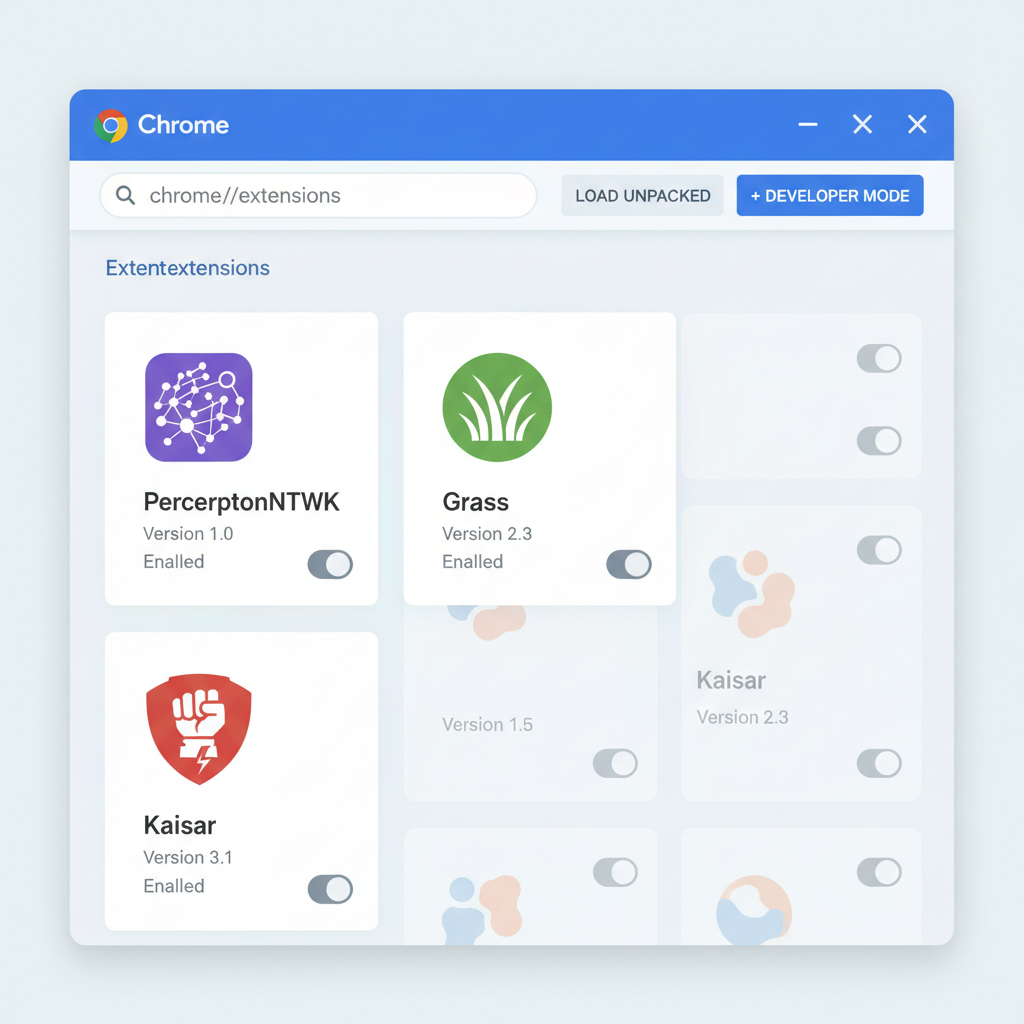
Chrome extensions page with PerceptronNTWK, Grass, and Kaisar icons installed
Step 7: Maximize Earnings with Additional Extensions
For enhanced rewards, install complementary free extensions like Grass and Kaisar from the Chrome Web Store. Run them alongside PerceptronNTWK to share more bandwidth across networks, potentially scaling passive income without extra hardware.

Essential Prerequisites Before Launching Your Node

Success with PerceptronNTWK nodes hinges on preparation. Stable internet above 10 Mbps upload is key, alongside a modern browser like Chrome. Mobile users grab the Android app for on-the-go farming. No upfront costs, but consistent runtime maximizes PERC accrual.

🔍 PerceptronNTWK Node Setup: Essential Requirements Checklist

  • Ensure a stable, reliable internet connection with sufficient unused bandwidth🌐
  • Install Google Chrome or Mozilla Firefox browser, or download the official Android app from Google Play🖥️
  • Complete the PerceptronNTWK account signup process📋
  • Verify minimal system specs: modern device capable of running browser extensions or apps in the background without performance impact⚙️
Excellent! All key requirements are met. You're now ready to deploy your PerceptronNTWK node and monetize your bandwidth with PERCs.

Diving deeper, consider referral systems to boost yields, though organic growth rewards patient operators. Track metrics via the dashboard: bandwidth shared, signals verified, PERCs minted. This data empowers strategic decisions, much like charting crypto trends for optimal entry points.

Optimizing your setup starts with understanding the dashboard's feedback loop, where every verified signal edges you closer to meaningful rewards in the PerceptronNTWK nodes ecosystem.

Step-by-Step Setup for PerceptronNTWK Browser Extension Nodes

Launching your first node requires minimal friction, aligning with the project's ethos of accessibility in decentralized AI compute nodes. Head to the Chrome Web Store or Firefox Add-ons for the extension, or download the Android app from Google Play. The process unfolds intuitively, but precision here sets the tone for sustained earnings.

Step-by-Step: Launch Your PerceptronNTWK Node & Earn Passive Rewards
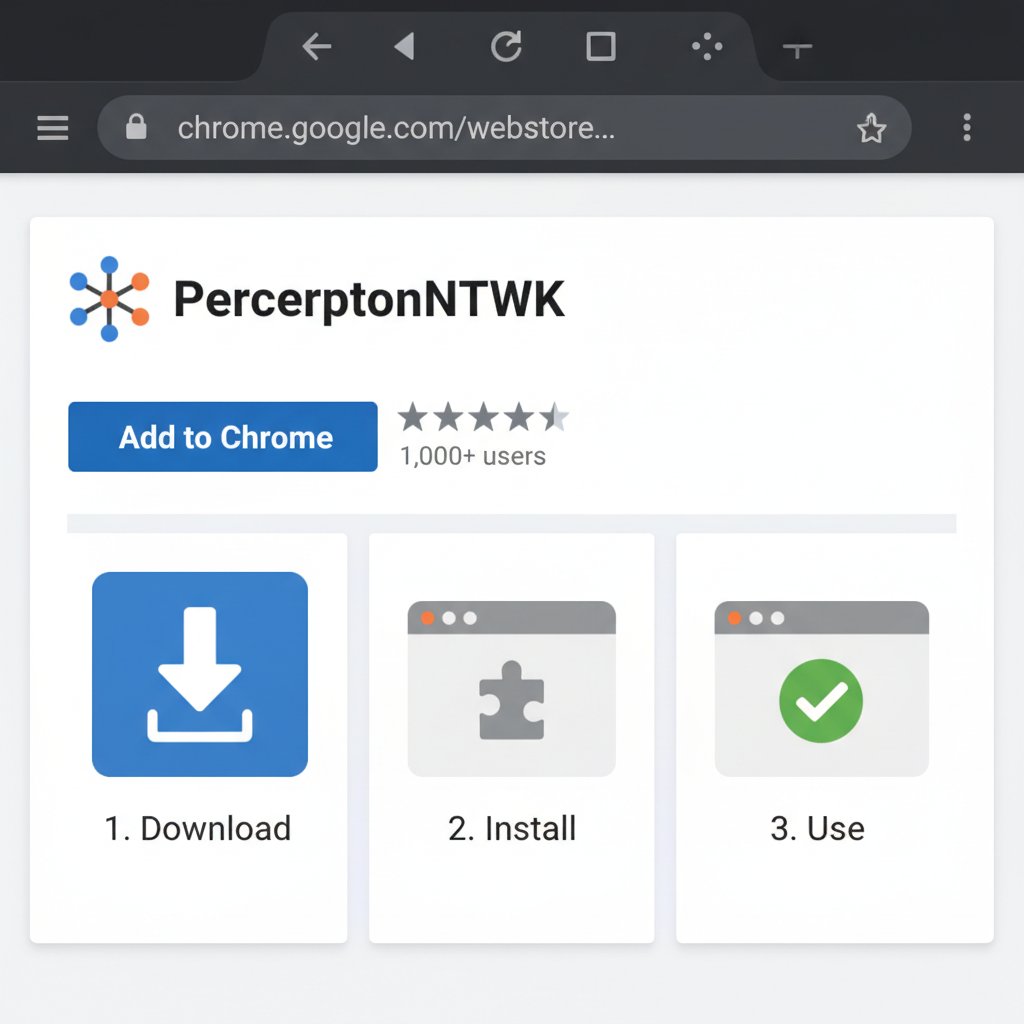
clean screenshot of Chrome Web Store PerceptronNTWK extension page with install button
Download and Install the Extension or App
Visit the Chrome Web Store or Google Play Store to download the official PerceptronNTWK browser extension or mobile app. Search for 'PerceptronNTWK' and select the verified extension/app from the developers. Click 'Add to Chrome' for the browser version or 'Install' for the app. The lightweight installer (under 10MB) requires no powerful hardware—ideal for desktops, laptops, or mobiles.
PerceptronNTWK app dashboard with settings button highlighted
Launch and Navigate to Settings
Open the newly installed extension via your browser's extensions menu (puzzle icon) or launch the app from your device home screen. Once loaded, locate the 'Settings' option, typically at the bottom left of the interface. This dashboard provides access to login, configuration, and monitoring tools.
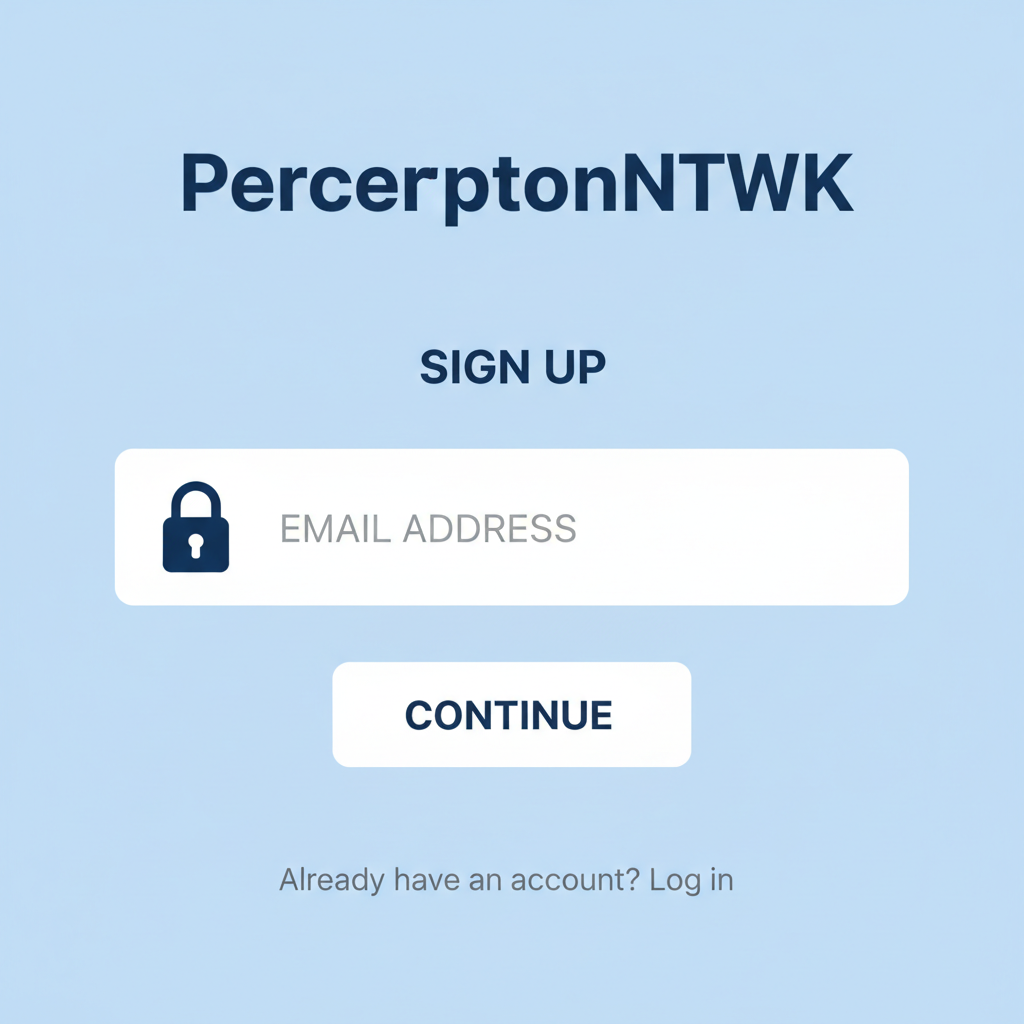
PerceptronNTWK signup screen with email input and secure lock icon
Sign Up or Log In Securely
In Settings, select 'Login' or 'Sign Up'. Create a new account using your email or wallet address—no personal data is collected for privacy. Verify via email if prompted. Existing users can log in directly. This links your node to the network of over 700,000 devices, enabling reward tracking.
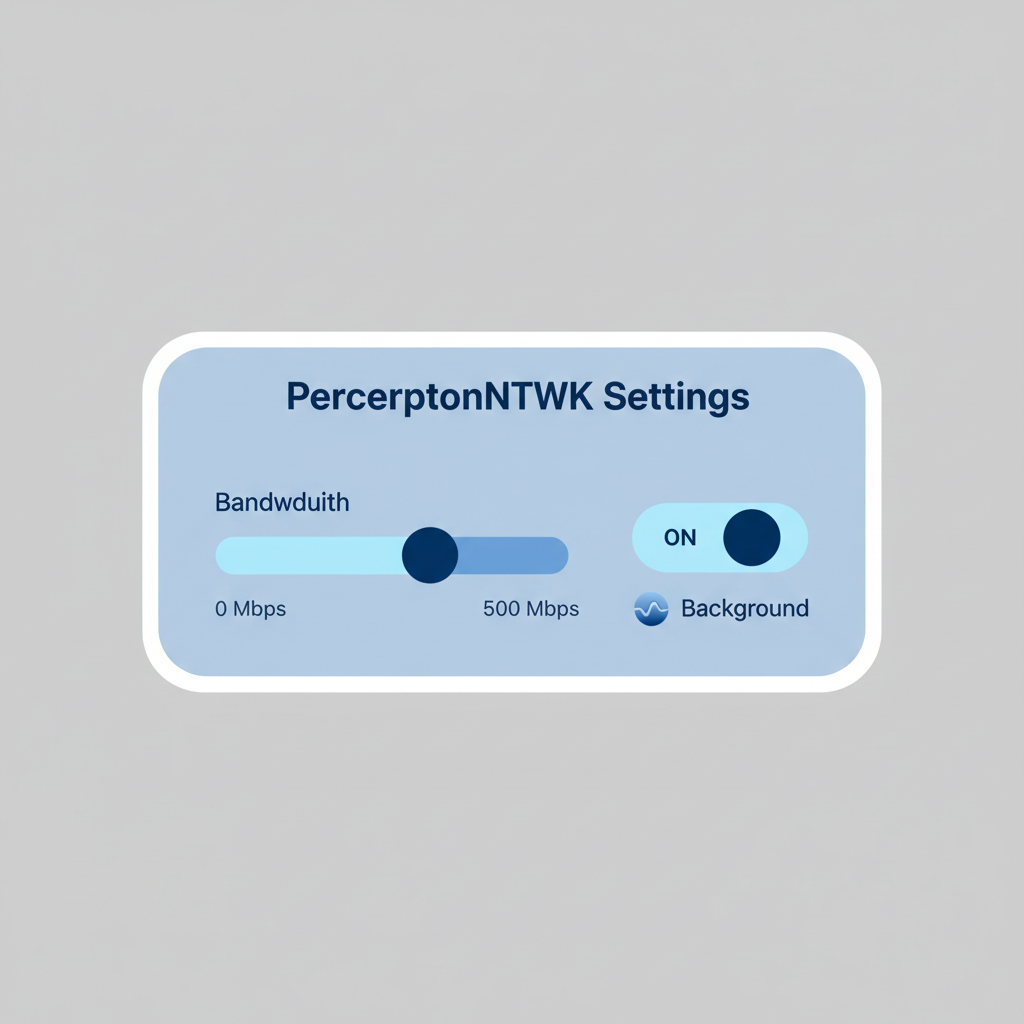
PerceptronNTWK settings panel showing bandwidth slider and background toggle
Configure Node Settings
Within Settings, review bandwidth allocation (defaults to minimal unused capacity to avoid impacting your internet speed). Enable 'Background Mode' and set auto-start on boot. Optionally, adjust data collection preferences for public web data only. Save changes—the node uses idle bandwidth for AI data structuring without affecting performance.
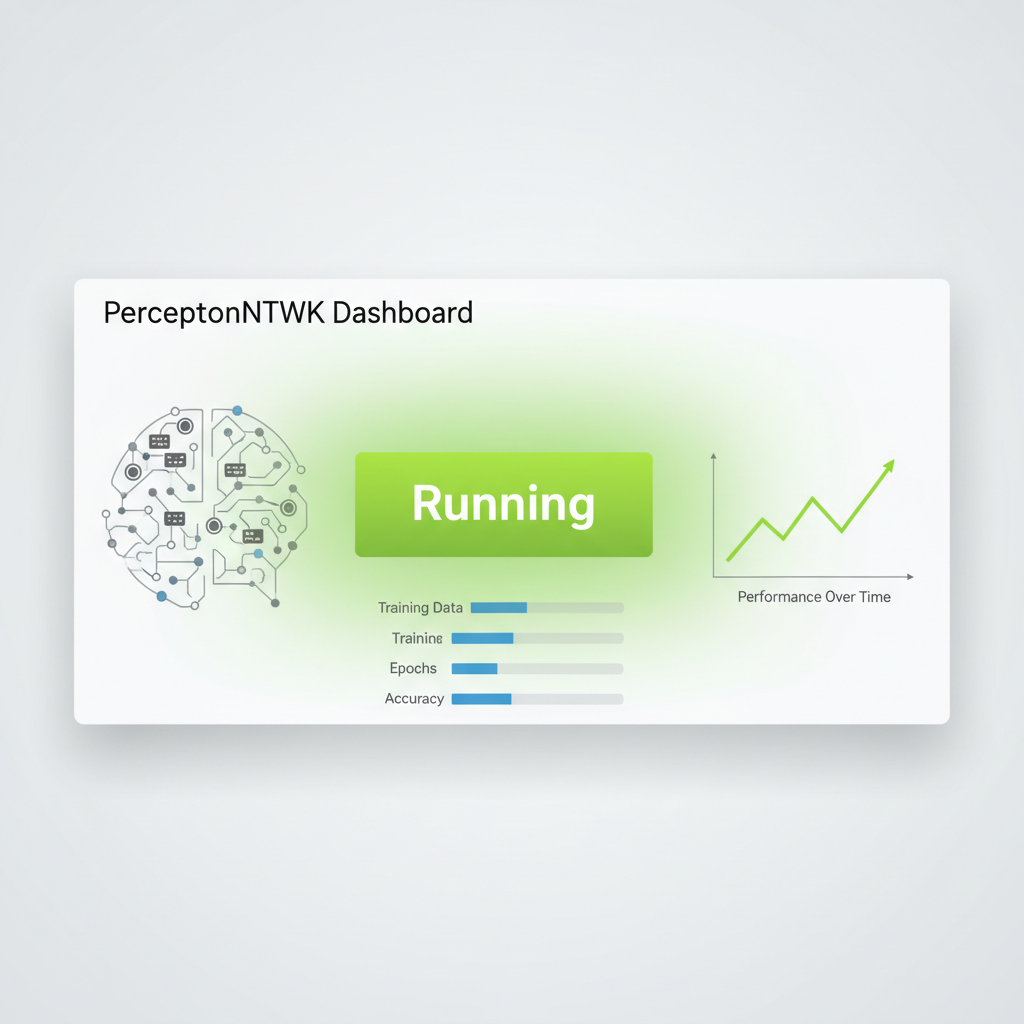
PerceptronNTWK dashboard with green 'Running' status and background indicator
Activate and Run in Background
Return to the main dashboard and toggle the node to 'Start' or 'Run'. It will operate silently in the background as a lightweight node, contributing to decentralized AI compute by collecting structured public data. No mining rigs or GPUs needed—earn via Proof-based Engagement Reward Certificates (PERCs).
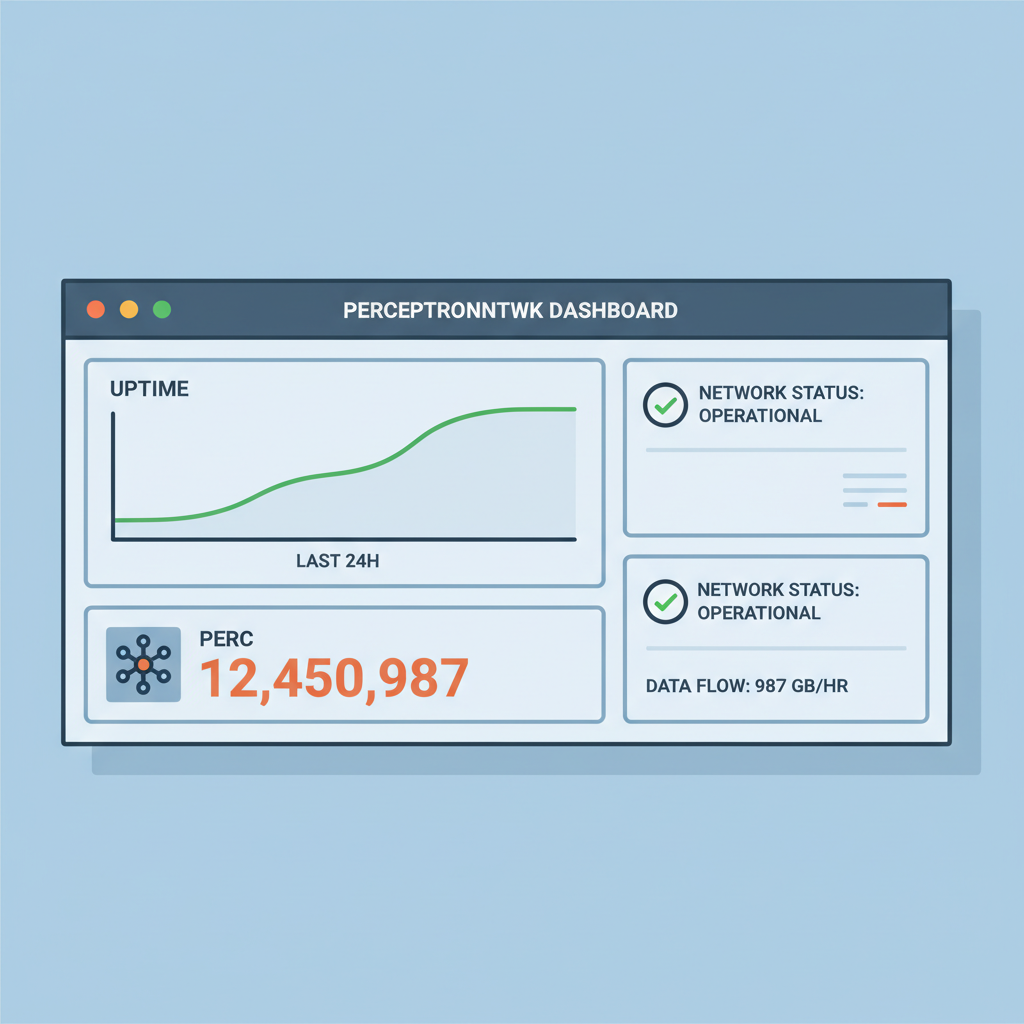
PerceptronNTWK monitoring dashboard with uptime graph and PERC counter
Monitor Dashboard and Contributions
Check the dashboard for real-time metrics: uptime, bandwidth contributed, and PERC accrual. Track daily/weekly summaries. Rewards accumulate as NFTs verifiable on-chain, representing your verified contributions to AI model training.
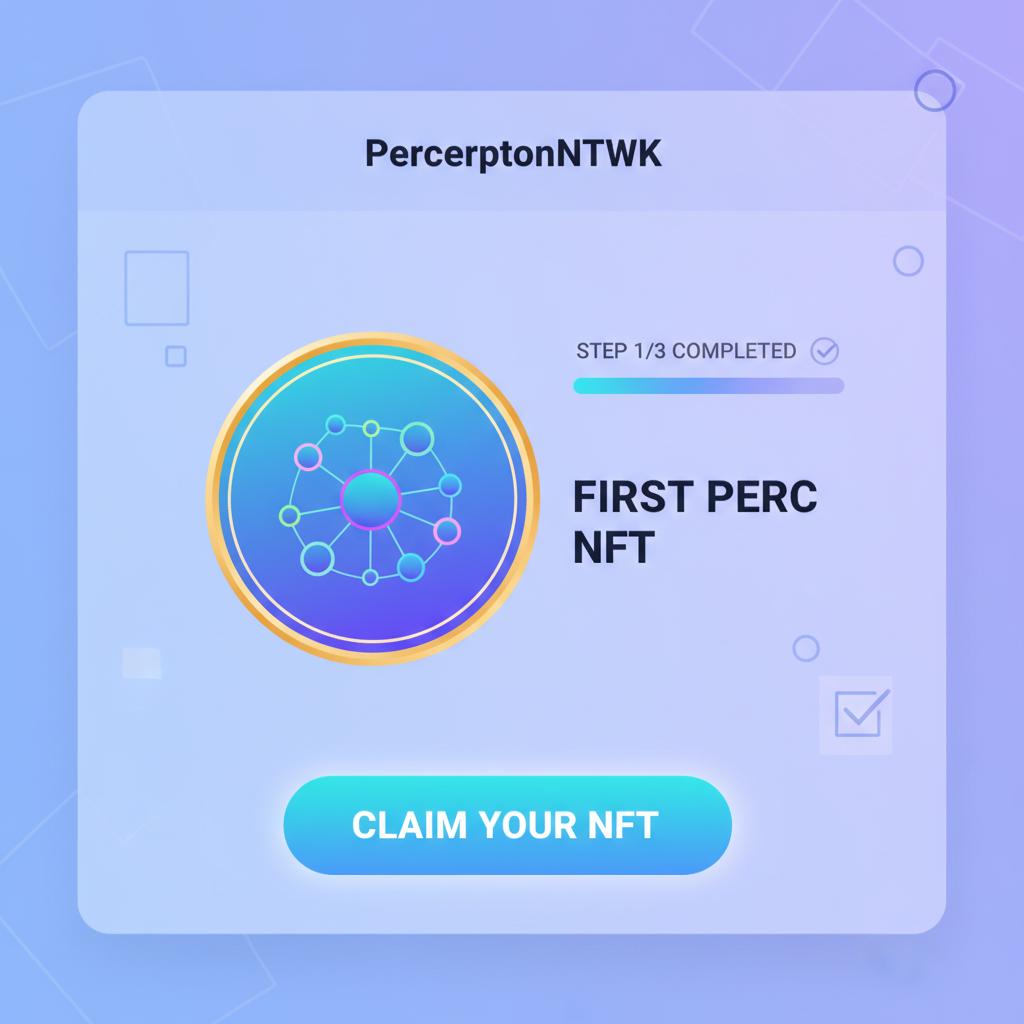
PerceptronNTWK rewards screen showing first PERC NFT badge
Claim and Verify Initial Rewards
After 24-48 hours of runtime, refresh the Rewards tab to view earned PERCs. Export or view NFT certificates on the blockchain explorer linked in-app. Initial rewards scale with uptime and network demand—monitor for growth in the global mesh.

Once installed, log in via settings, grant bandwidth permissions, and let it hum in the background. Expect initial PERCs within hours, scaling as your node verifies more public signals. This hands-off approach suits multitaskers, but vigilant monitoring via the dashboard reveals patterns in uptime versus yield.

Earnings accrue through PERCs, those Proof-based NFTs minted for each batch of structured data. Unlike flat token drips, PERCs carry verifiable weight, tradable or stakable within the network. My analysis of similar DePINs shows PERC holders benefit from compounding effects as the mesh expands, especially post-BlockMesh integration boosting device count past 700,000.

Maximizing Bandwidth Sharing AI Rewards: Pro Tips and Strategies

To outperform casual runners, prioritize connection stability over speed. Residential IPs often fetch premium verification rates due to their human-signal authenticity, a edge over datacenter farms. Integrate referrals judiciously; a single chain can amplify PERCs without diluting focus. I've patterned user reports: nodes on fiber optics average 20-30% higher daily yields than DSL counterparts.

Customization options in settings let you cap bandwidth at 5-10% idle usage, preserving your primary browsing. Battery-conscious? Mobile apps throttle intelligently during charges. For power users eyeing bandwidth sharing AI rewards at scale, VPS deployments mimic browser environments via Ubuntu, XRDP, and headless Chrome. This multiplies nodes without hardware sprawl, though operators must rotate IPs to evade caps.

Single Browser Node vs. VPS Farm: Key Comparisons

AspectSingle Browser NodeVPS Farm
Earnings PotentialLow to Medium (Passive income from 1 lightweight node using idle bandwidth)High (Scalable by running multiple nodes across VPS)
Setup ComplexityVery Low ✅ (Install browser extension or app; runs in background)High ❌ (Provision VPS, install Ubuntu Desktop/XRDP, Chrome, extensions; manage multiple instances)
Bandwidth NeedsLow (Uses small portion of unused/idle bandwidth; no impact on performance)High (Requires dedicated bandwidth per VPS; scales with farm size)
Risk of ThrottlingLow (Single node on home ISP; minimal usage)Medium (VPS providers may limit; need IP diversity to avoid detection)

Diversify across devices if possible, but quality trumps quantity in DePIN AI signal verification. Track global mesh stats; surges in active nodes correlate with PERC value uplifts, signaling network maturity. Avoid common pitfalls like frequent restarts, which reset momentum, or ignoring firmware updates that enhance compatibility.

PERCs and the Economic Engine of Perceptron Network Edge Nodes

PERCs form the economic spine, bridging individual efforts to collective value. Each certificate encodes contribution metrics: signals captured, verification score, timestamp. Redeem them for native tokens during unlocks, or hold for governance weight. This incentivizes longevity, fostering a resilient grid for AI data needs.

In my view, PerceptronNTWK's edge lies in its signal fidelity. AI models thrive on nuanced, real-world data, not commoditized scraps. Projects ignoring this chase short-term volume, but Perceptron network edge nodes deliver precision, positioning early adopters for outsized gains as enterprise AI pivots decentralized.

Sustainability shines through zero personal data harvest, audited transparency, and eco-light footprint. Community pulses on X and LinkedIn buzz with uptime hacks and yield shares, underscoring organic momentum. As DePIN evolves, PerceptronNTWK nodes carve a niche where bandwidth becomes blockchain-backed intelligence, rewarding contributors who spot the pattern early.


PerceptronNTWK Node Essentials: Rewards, Privacy & Scaling FAQs

How do I earn rewards by running a PerceptronNTWK node?
Running a PerceptronNTWK node is straightforward and requires no powerful hardware. Install the browser extension or mobile app, which runs as a lightweight node in the background. It utilizes your unused internet bandwidth to collect and structure publicly available data for AI model training. In return, you earn Proof-based Engagement Reward Certificates (PERCs), which are NFTs verifying your contributions. With over 700,000 active devices via BlockMesh integration, rewards scale with uptime and bandwidth shared, turning idle capacity into passive income without impacting your daily internet use.
💰
Does running a PerceptronNTWK node affect my privacy?
Privacy is paramount in PerceptronNTWK. The node only accesses and collects publicly available data, never touching personal information, browsing history, or device files. No login credentials or sensitive data are required beyond optional account setup for reward tracking. The lightweight extension ensures your computing resources remain unaffected, with transparent operations detailed in the project documentation. This design aligns with decentralized principles, safeguarding user data while contributing to AI infrastructure.
🔒
What is the performance difference between mobile and desktop PerceptronNTWK nodes?
PerceptronNTWK nodes are optimized for both mobile apps (available on Google Play) and desktop browser extensions (e.g., Chrome). Desktop setups may offer slightly higher bandwidth sharing due to stable connections and larger screens for monitoring, but mobile nodes perform efficiently in the background without draining battery or speed. Both platforms maintain low resource usage—no GPUs or heavy compute needed—allowing seamless operation. Users report comparable earnings, with desktops edging out for 24/7 uptime on VPS or home setups.
📱
What are PERCs and how can I redeem them in PerceptronNTWK?
PERCs (Proof-based Engagement Reward Certificates) are NFTs that represent your verified contributions of bandwidth and data to the Perceptron Network. They accrue based on node uptime and data quality, tradable on supported marketplaces. Redemption involves connecting your wallet in the app settings, claiming PERCs, and exchanging them for crypto rewards or holding for network growth. This tokenomics model incentivizes long-term participation in the decentralized AI compute ecosystem.
🎫
Can I scale to multiple PerceptronNTWK nodes for higher rewards?
Yes, scaling to multiple nodes is feasible and popular among users. Run extensions on various desktops, VPS instances (e.g., Ubuntu with XRDP and Chrome), or mobile devices simultaneously. Each node earns independent PERCs based on its bandwidth contribution, multiplying rewards without interference. Community guides detail setups like farming on VPS for 24/7 operation. Ensure compliance with terms to avoid flags, maximizing earnings in this bandwidth-sharing DePIN network.
🔄